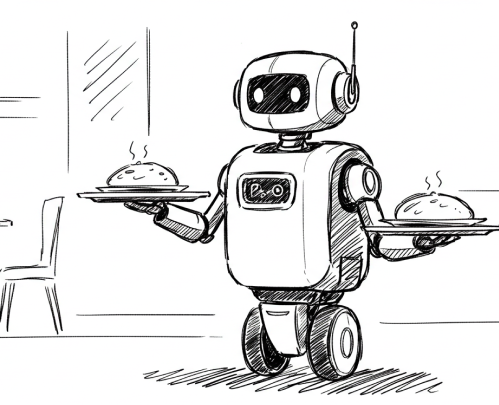
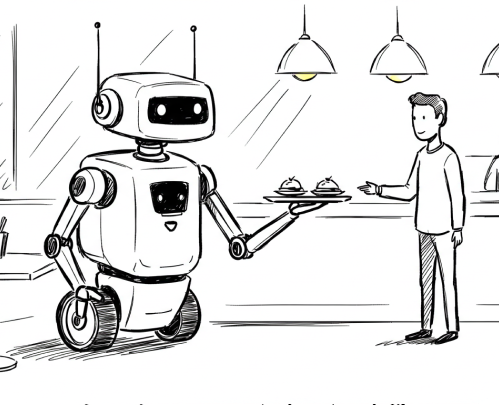
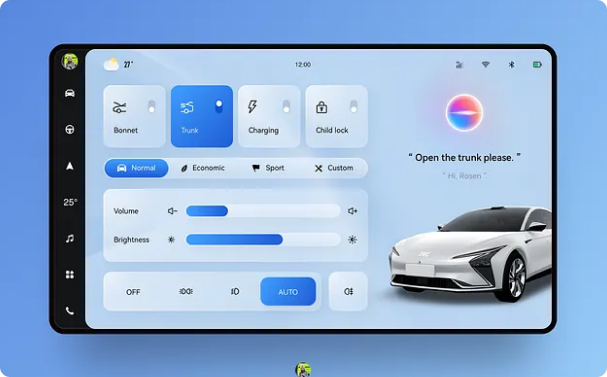
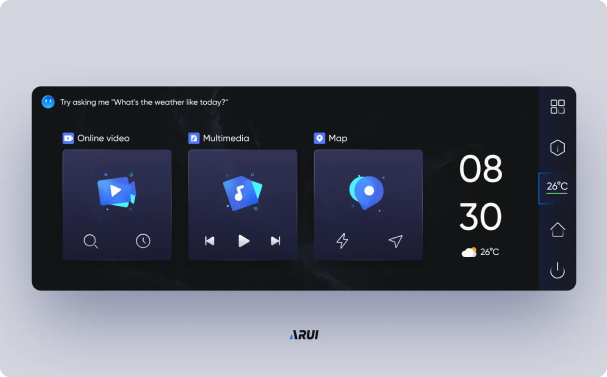
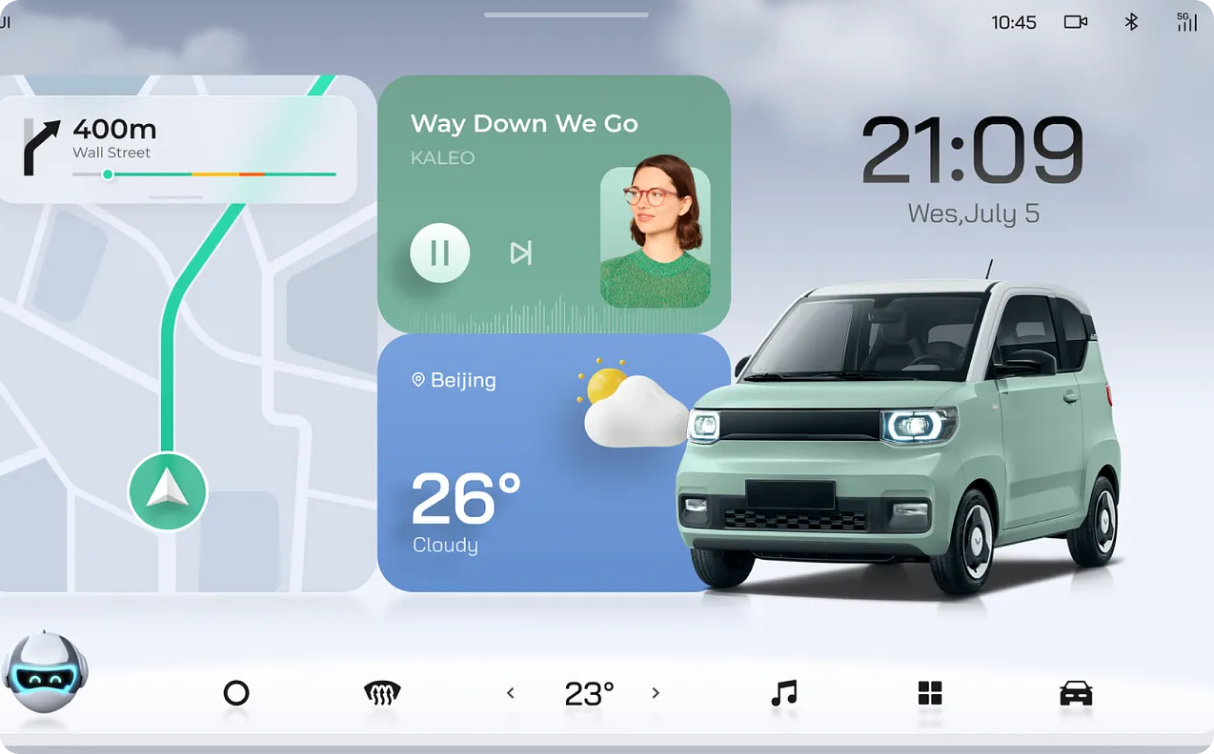
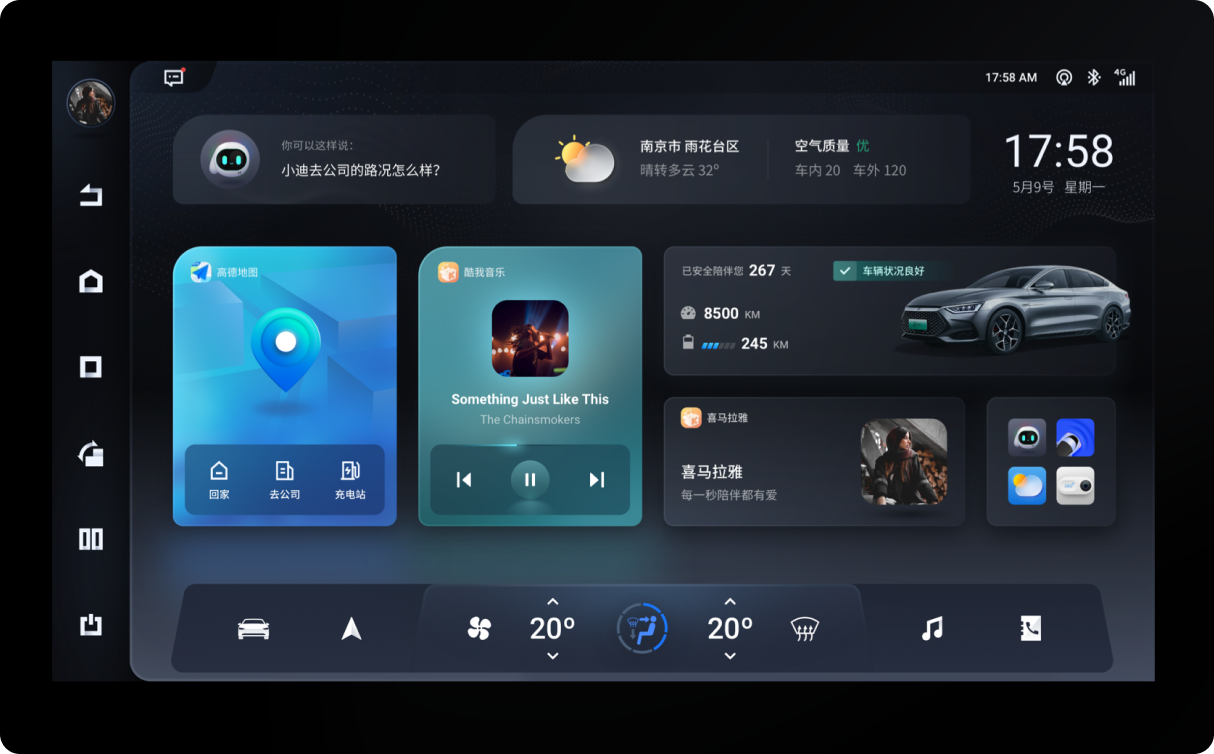
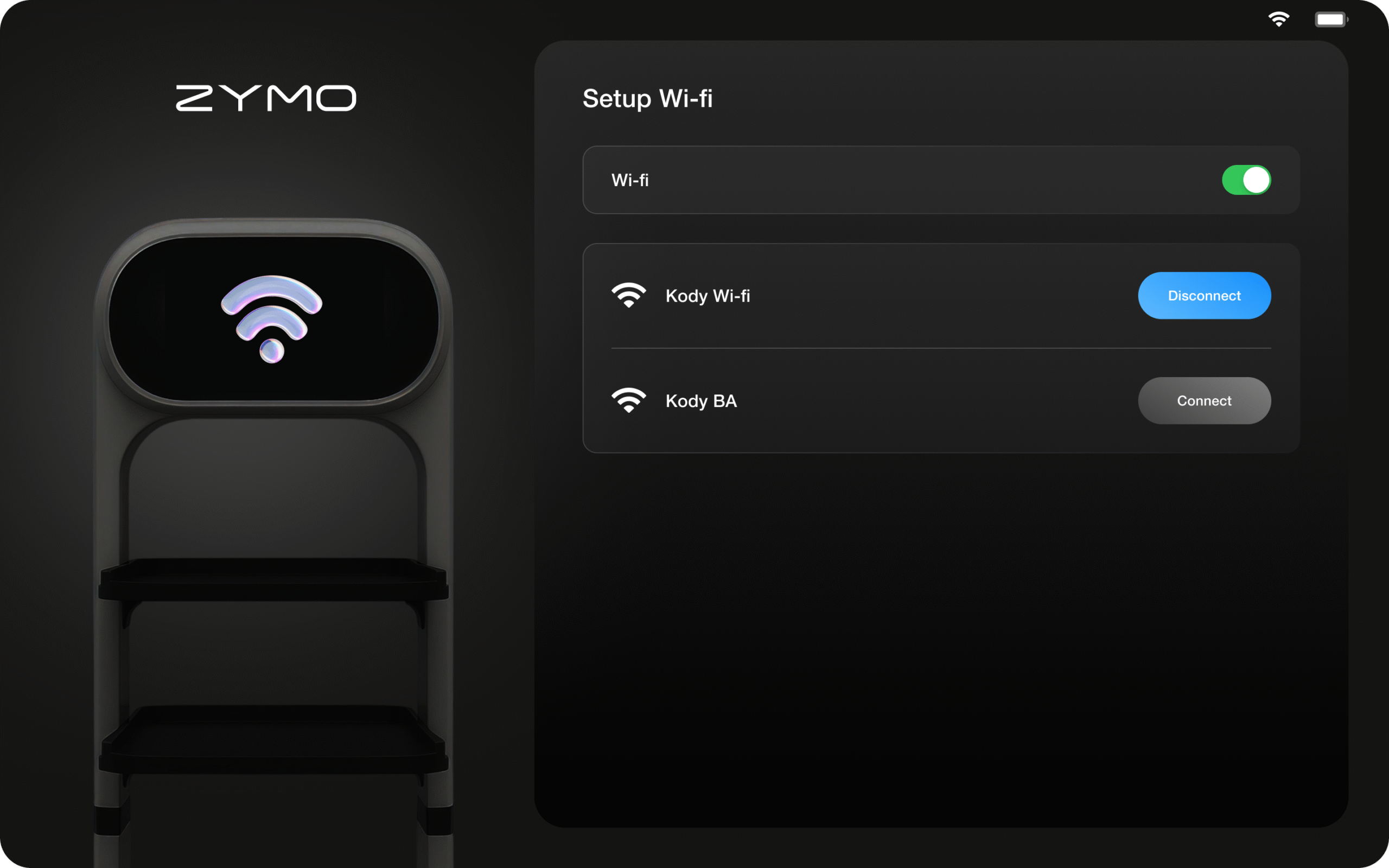
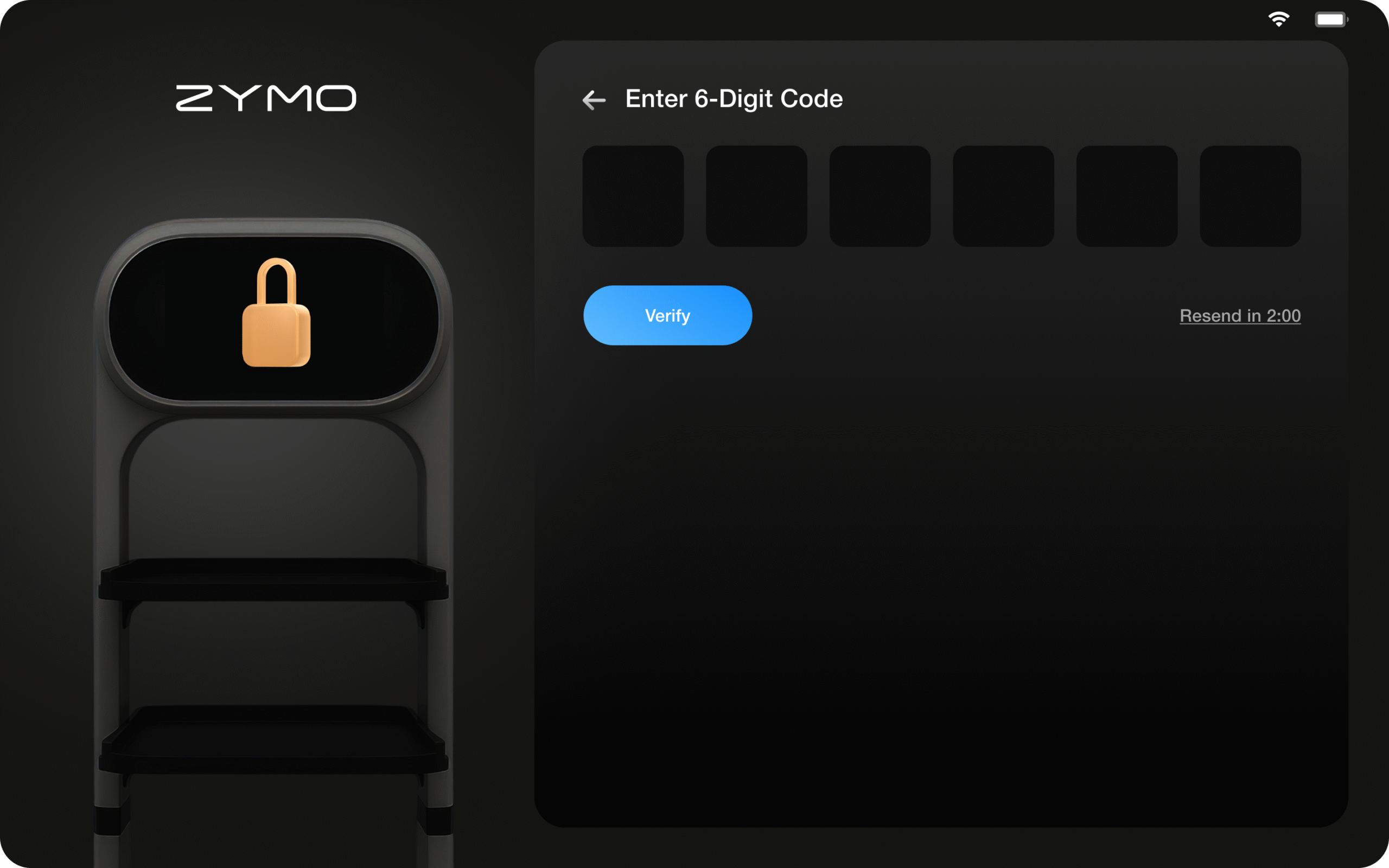
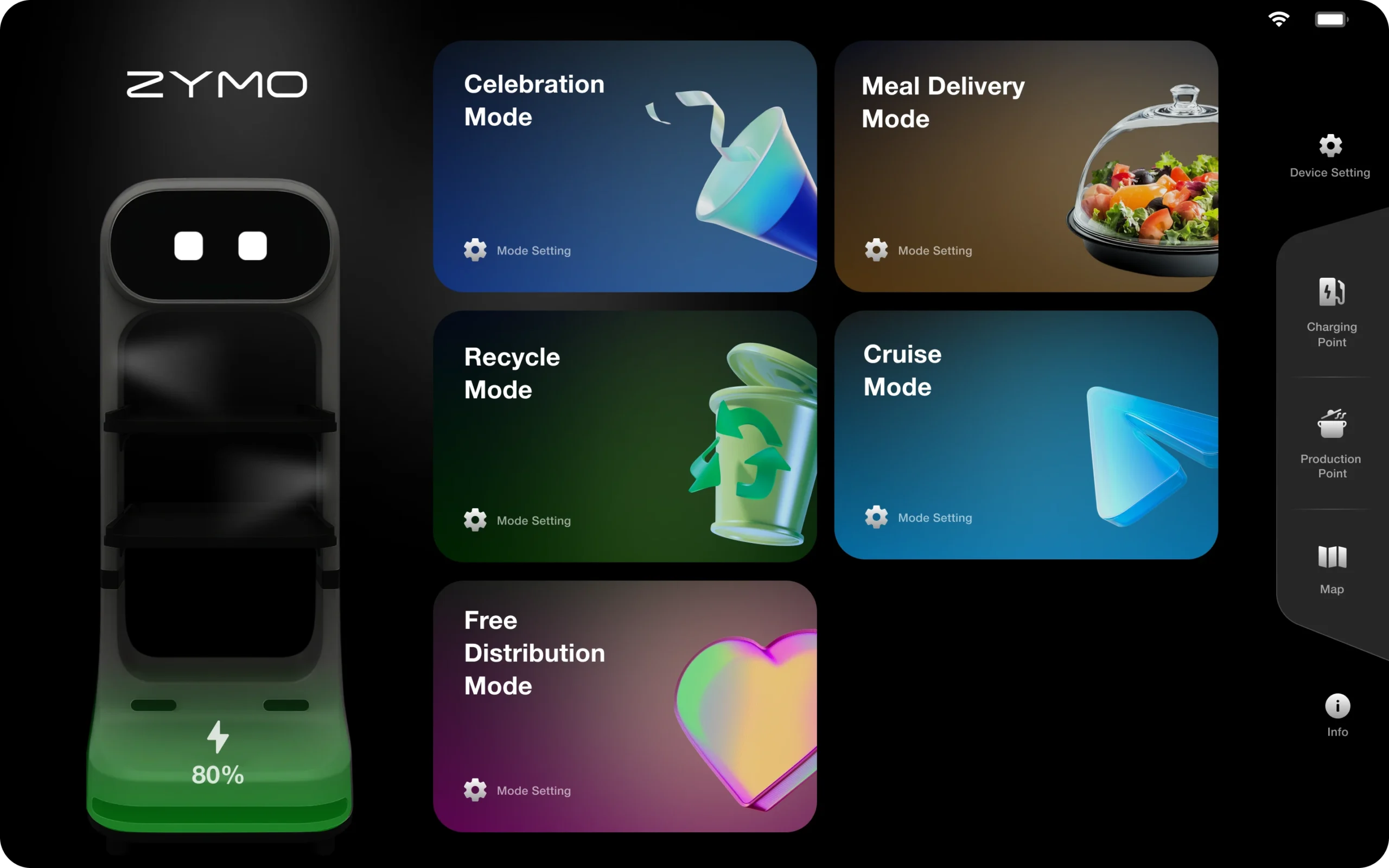
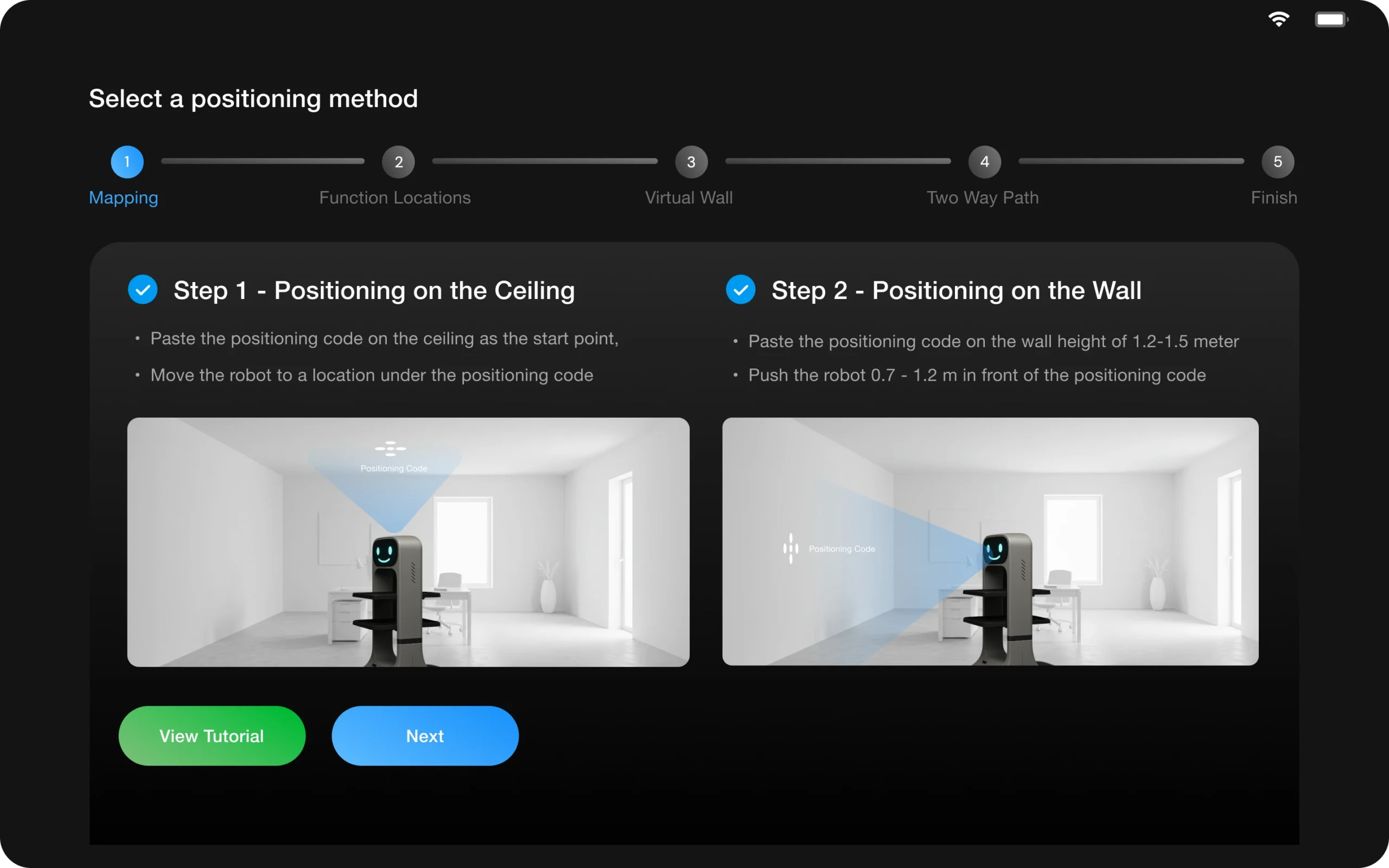
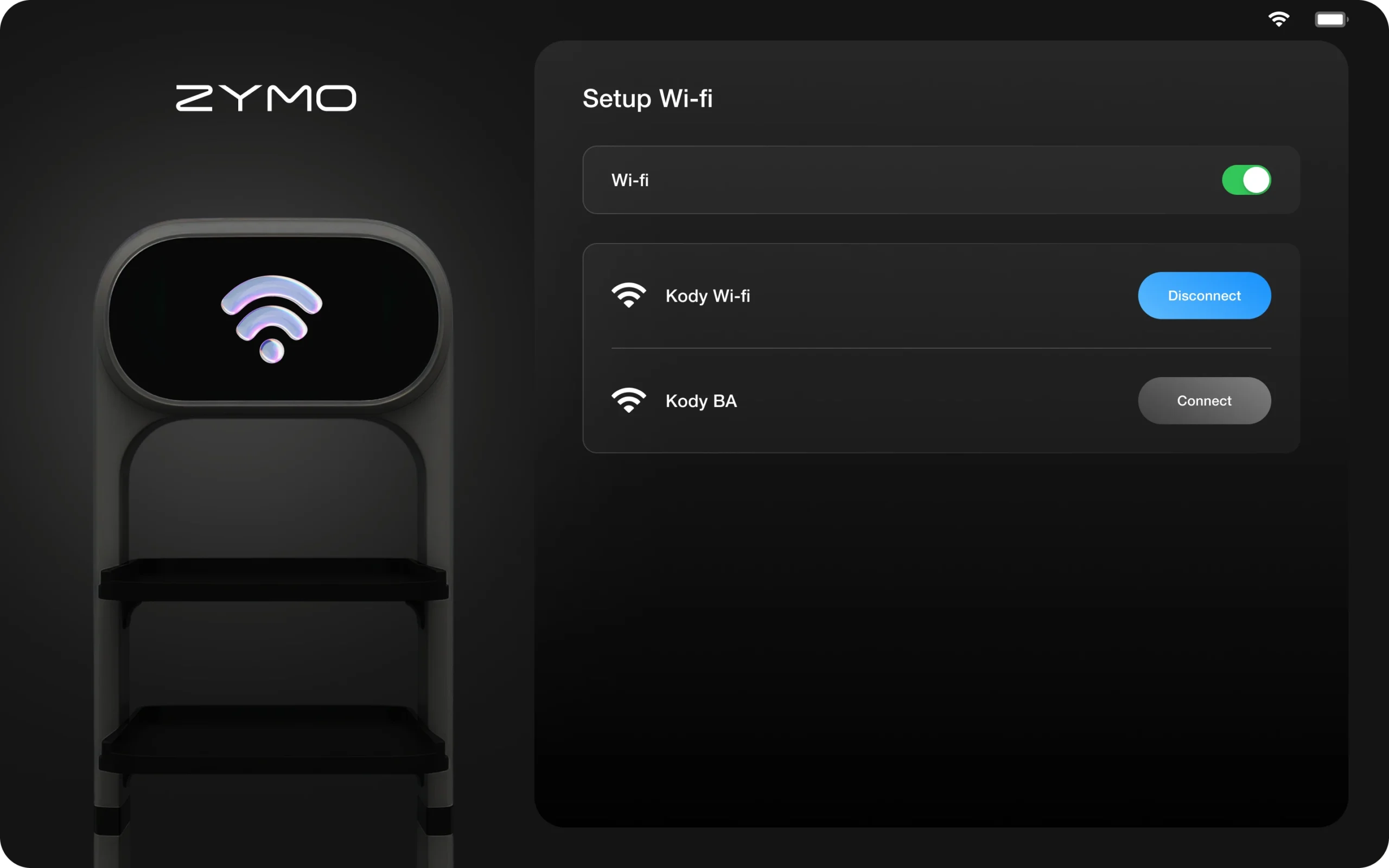
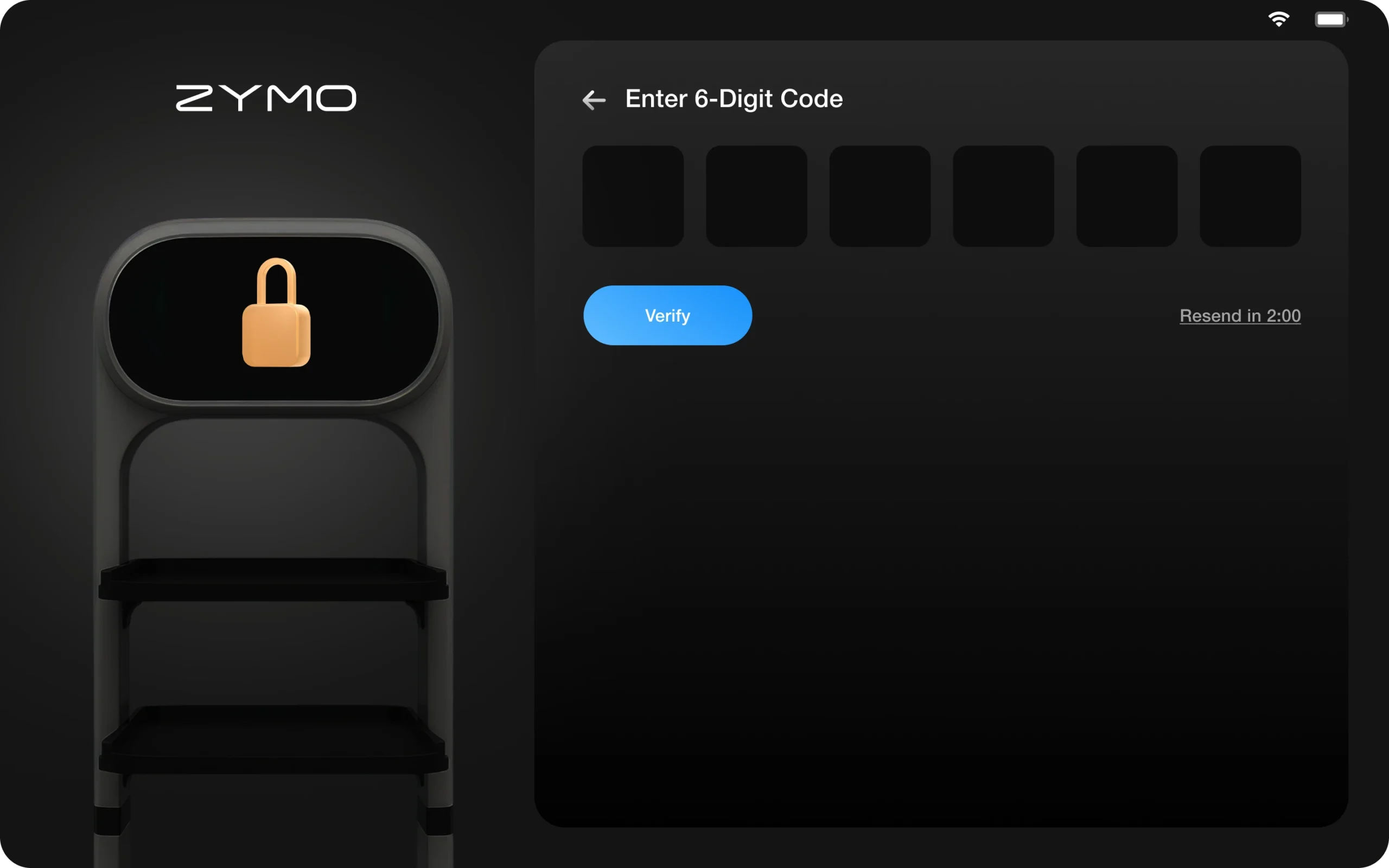
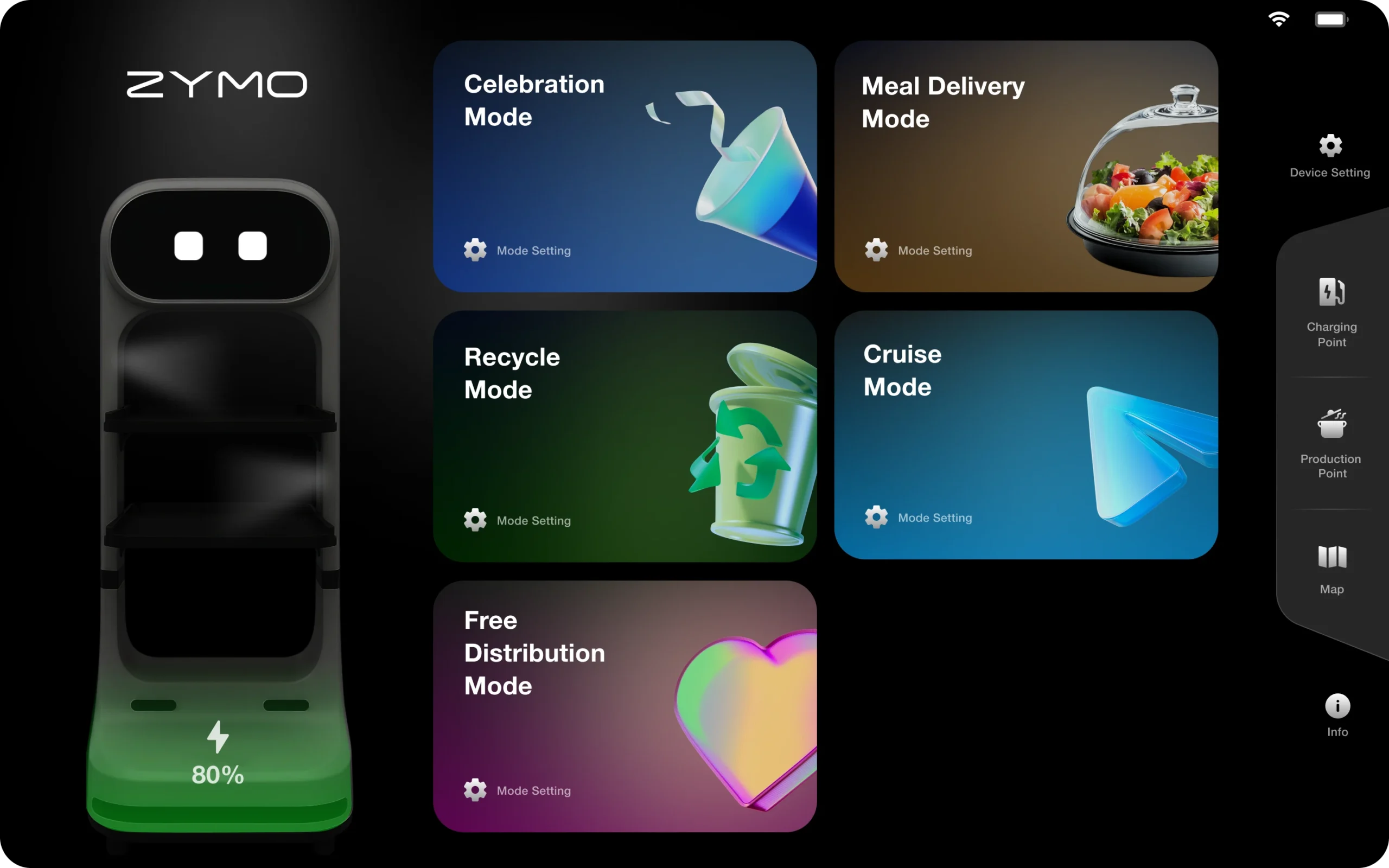
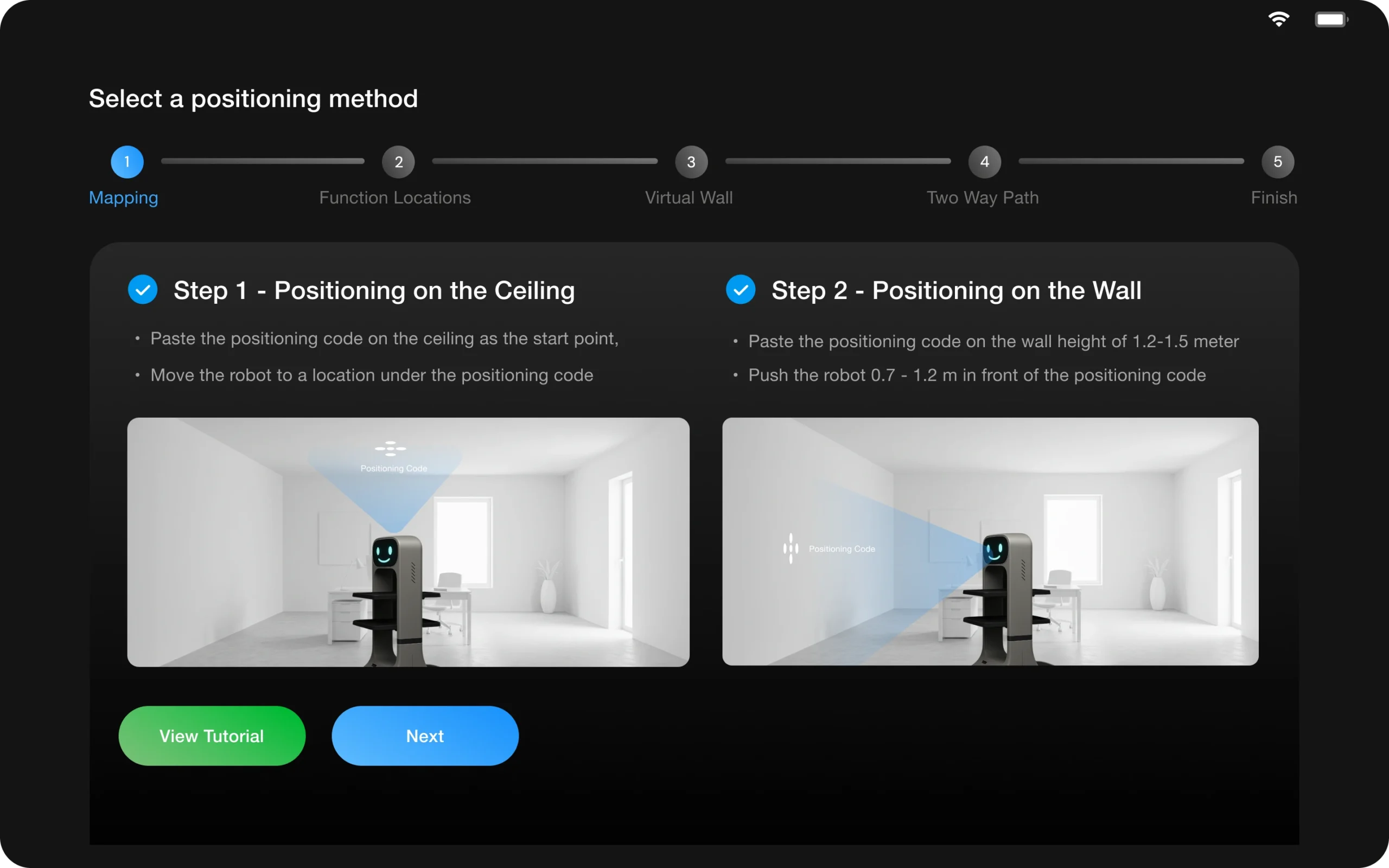
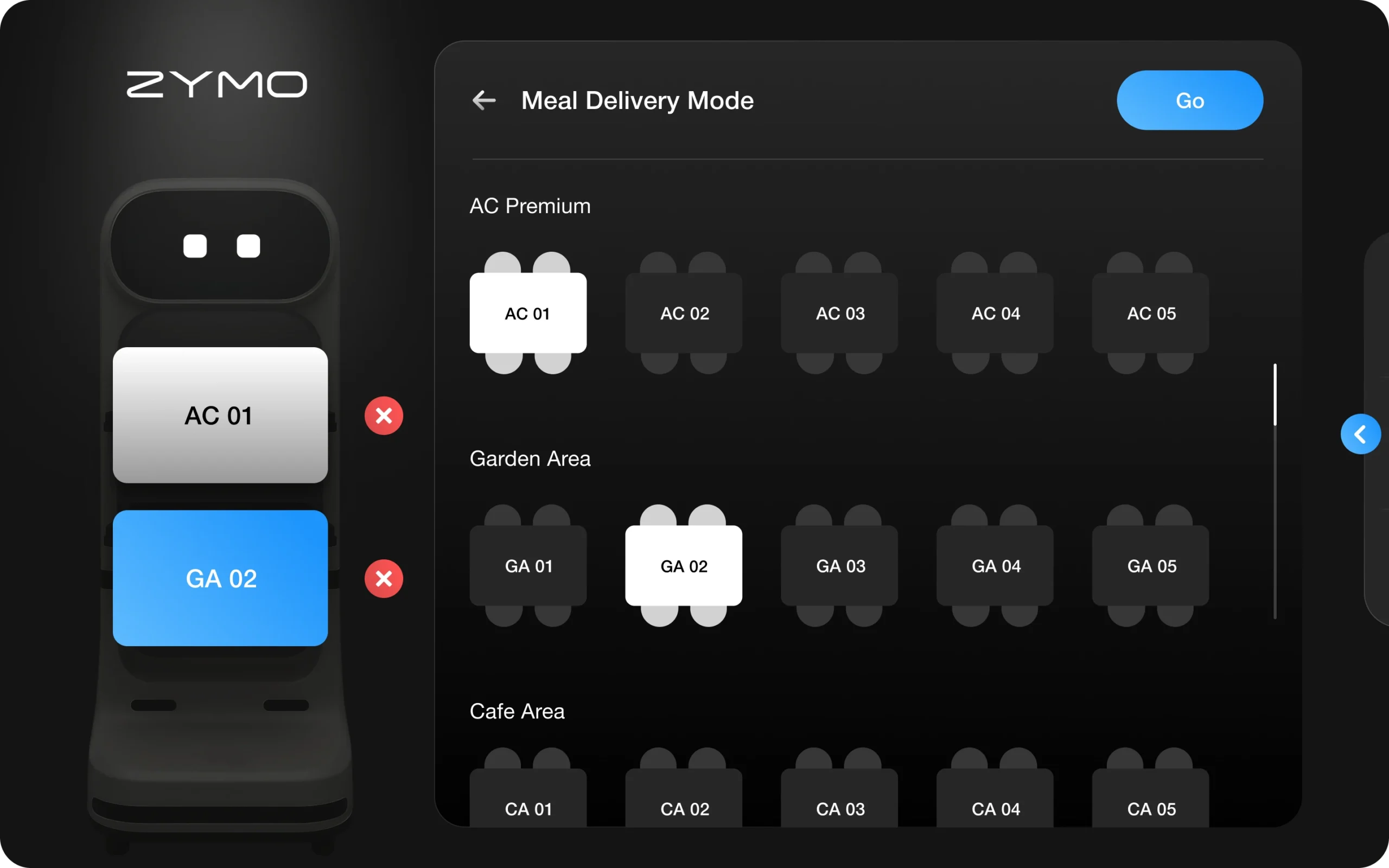
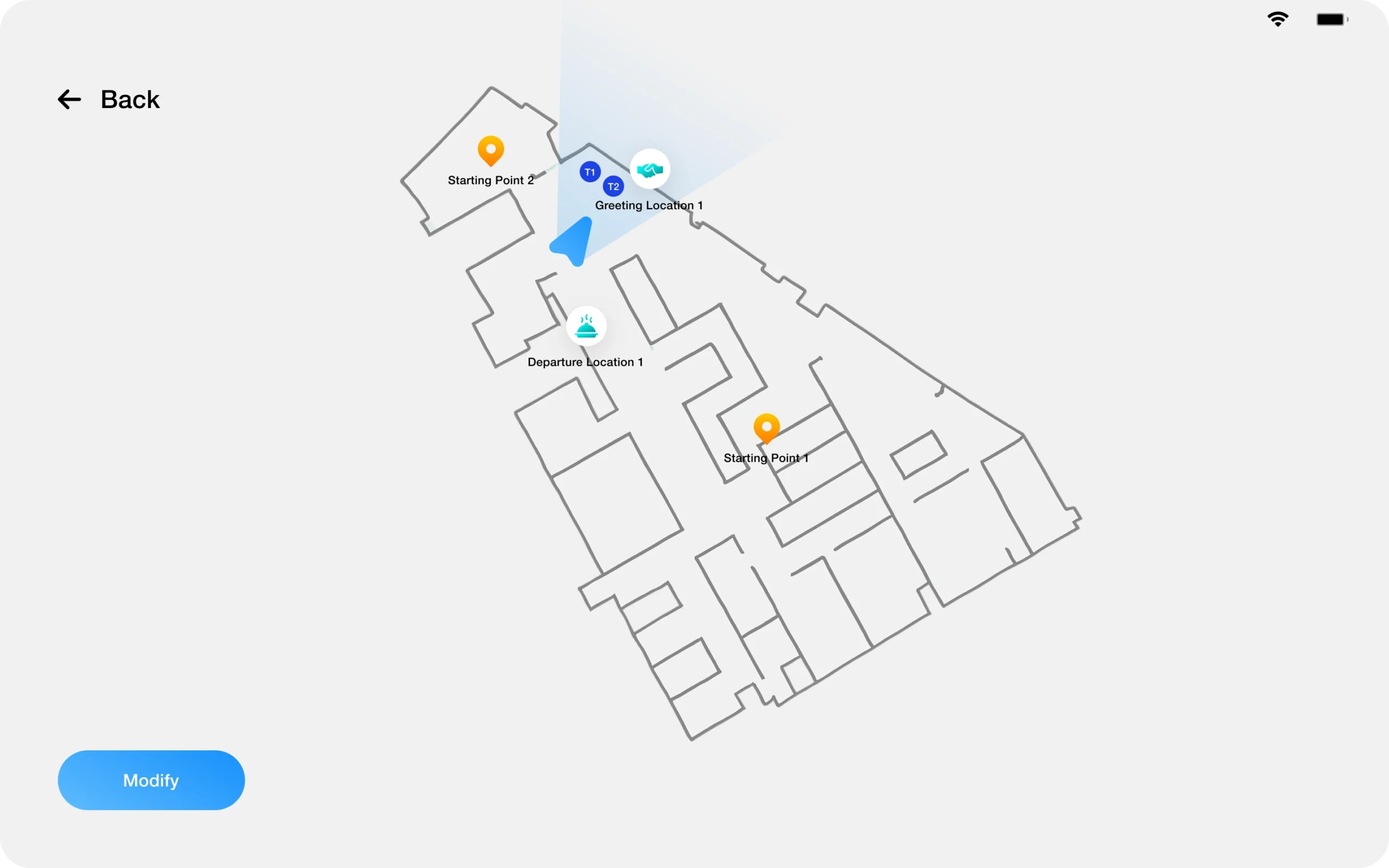
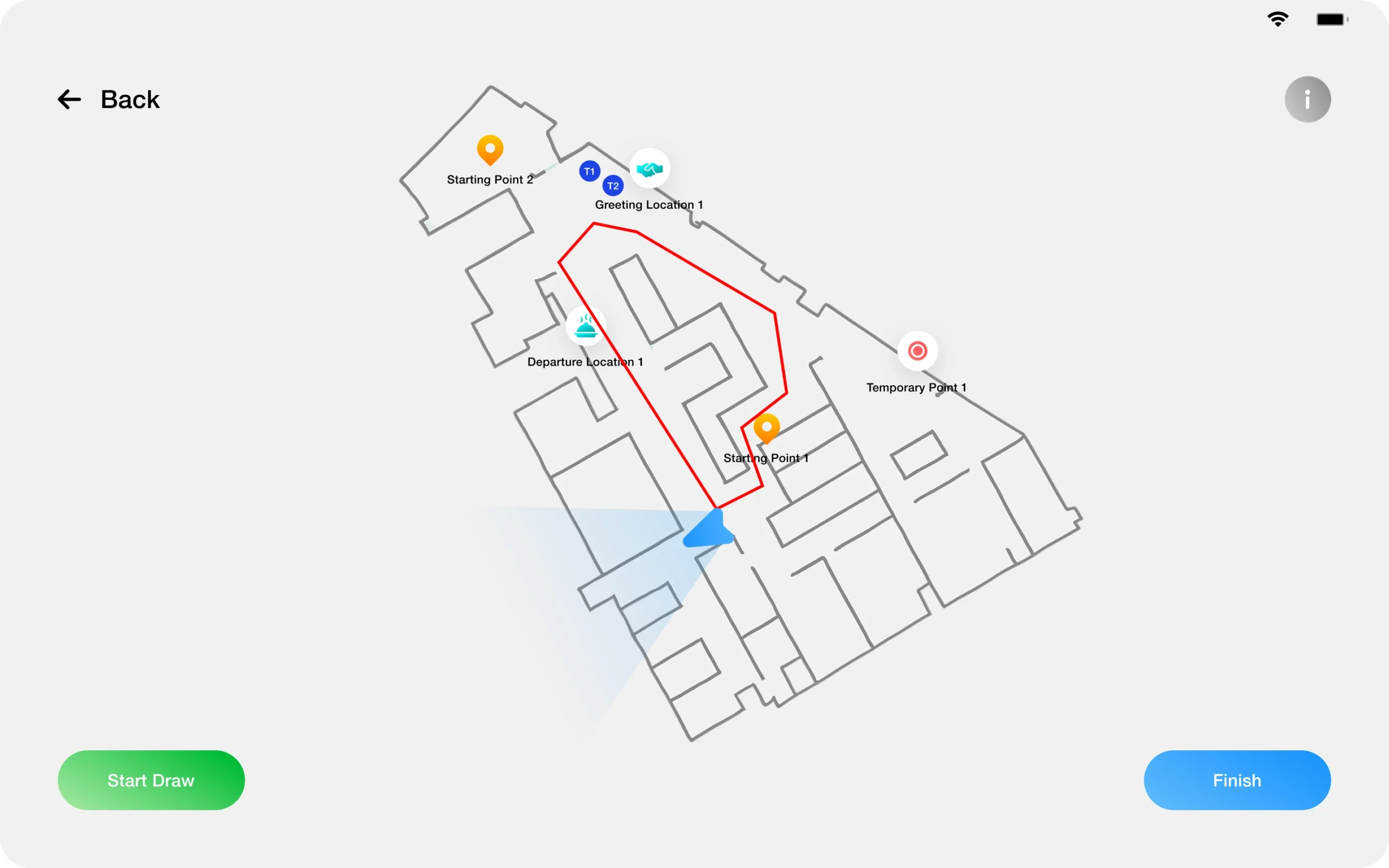
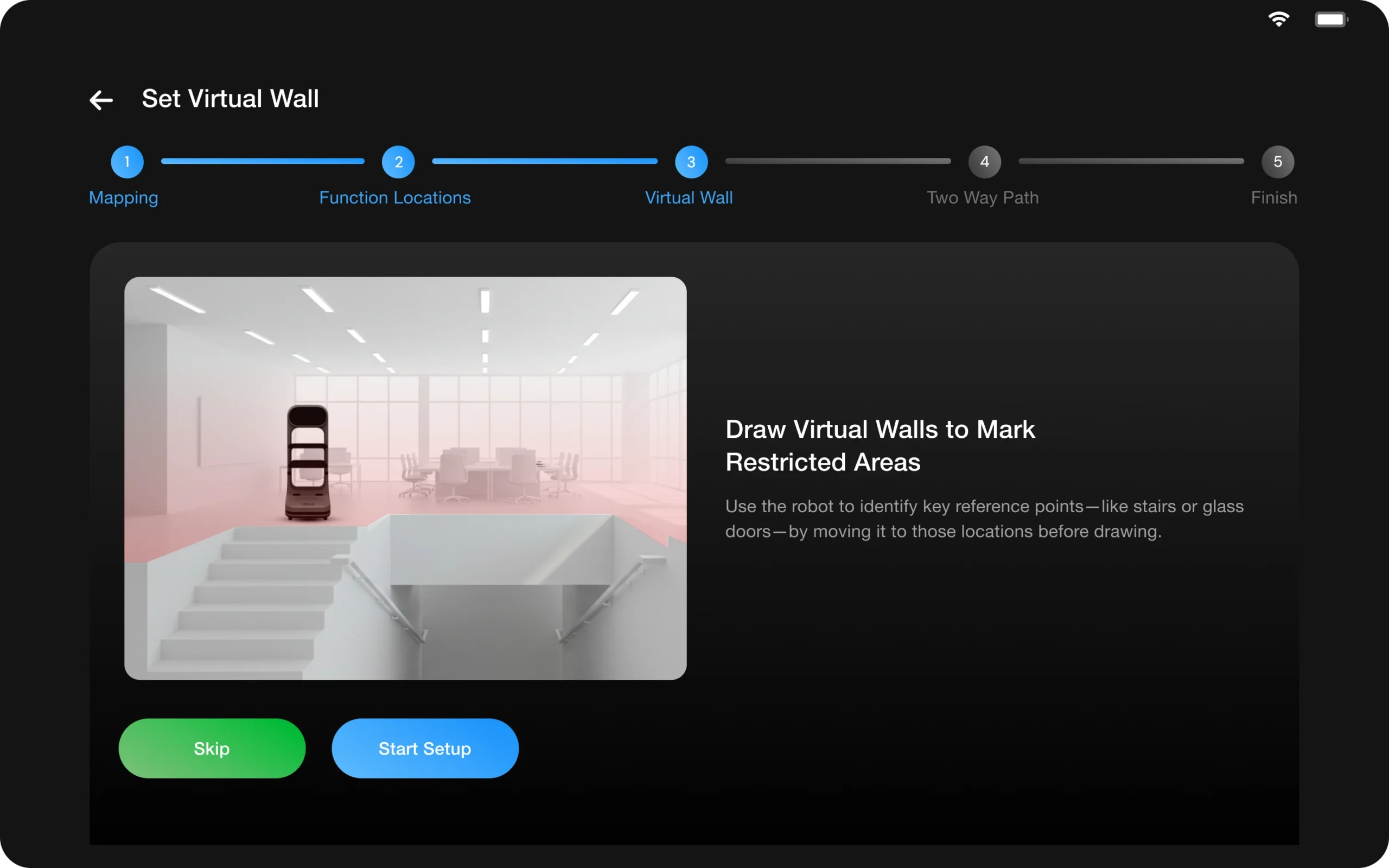
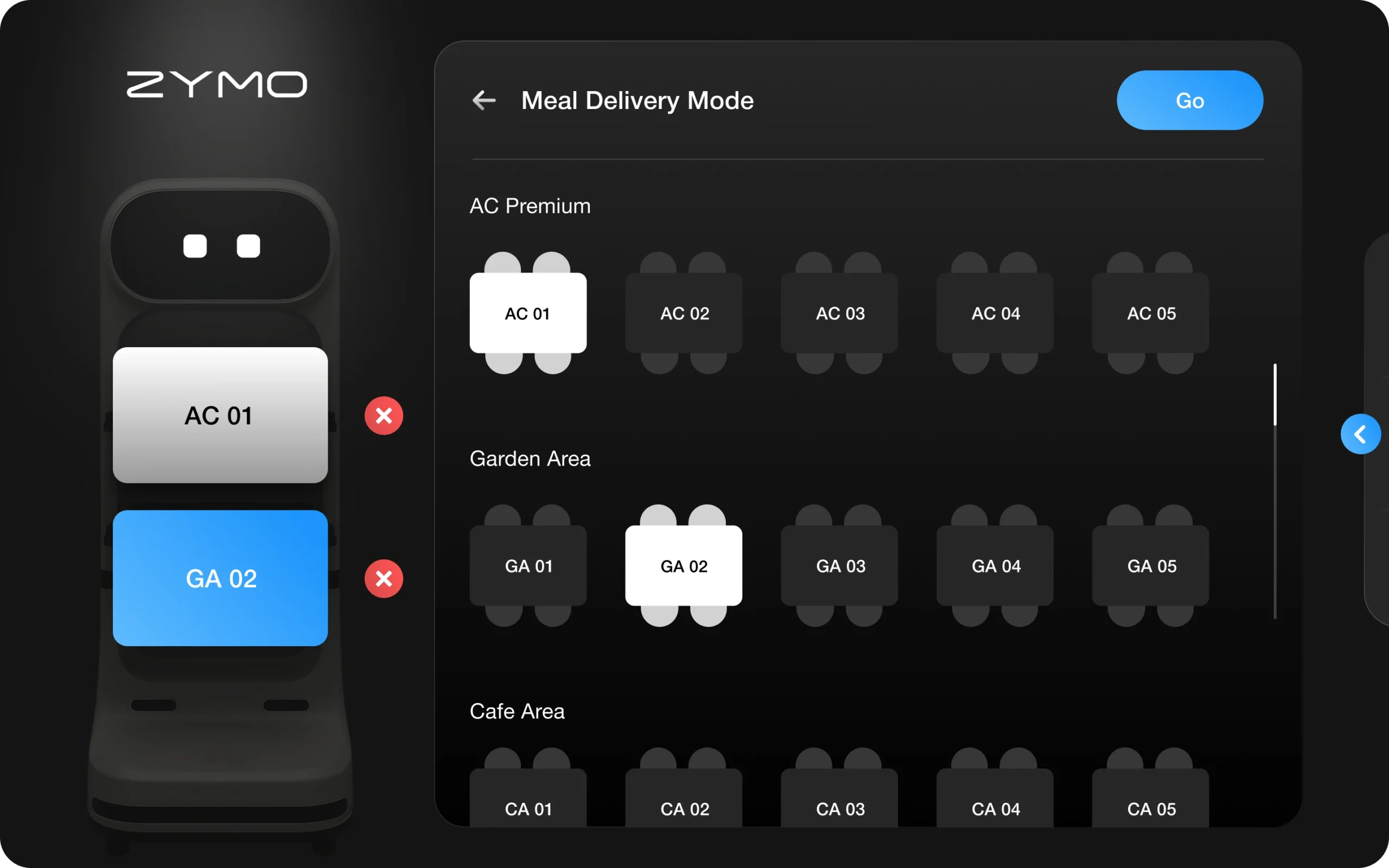
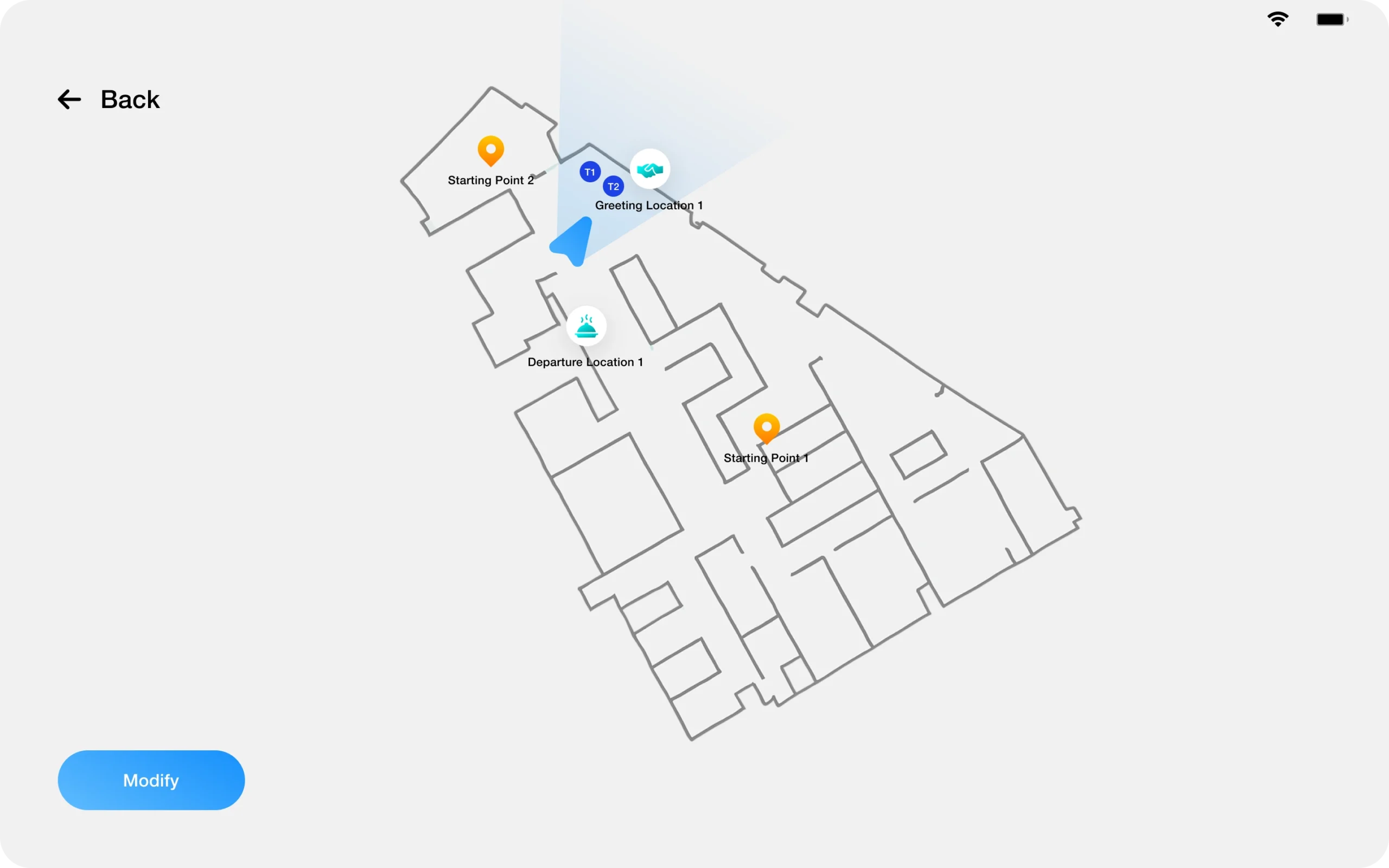
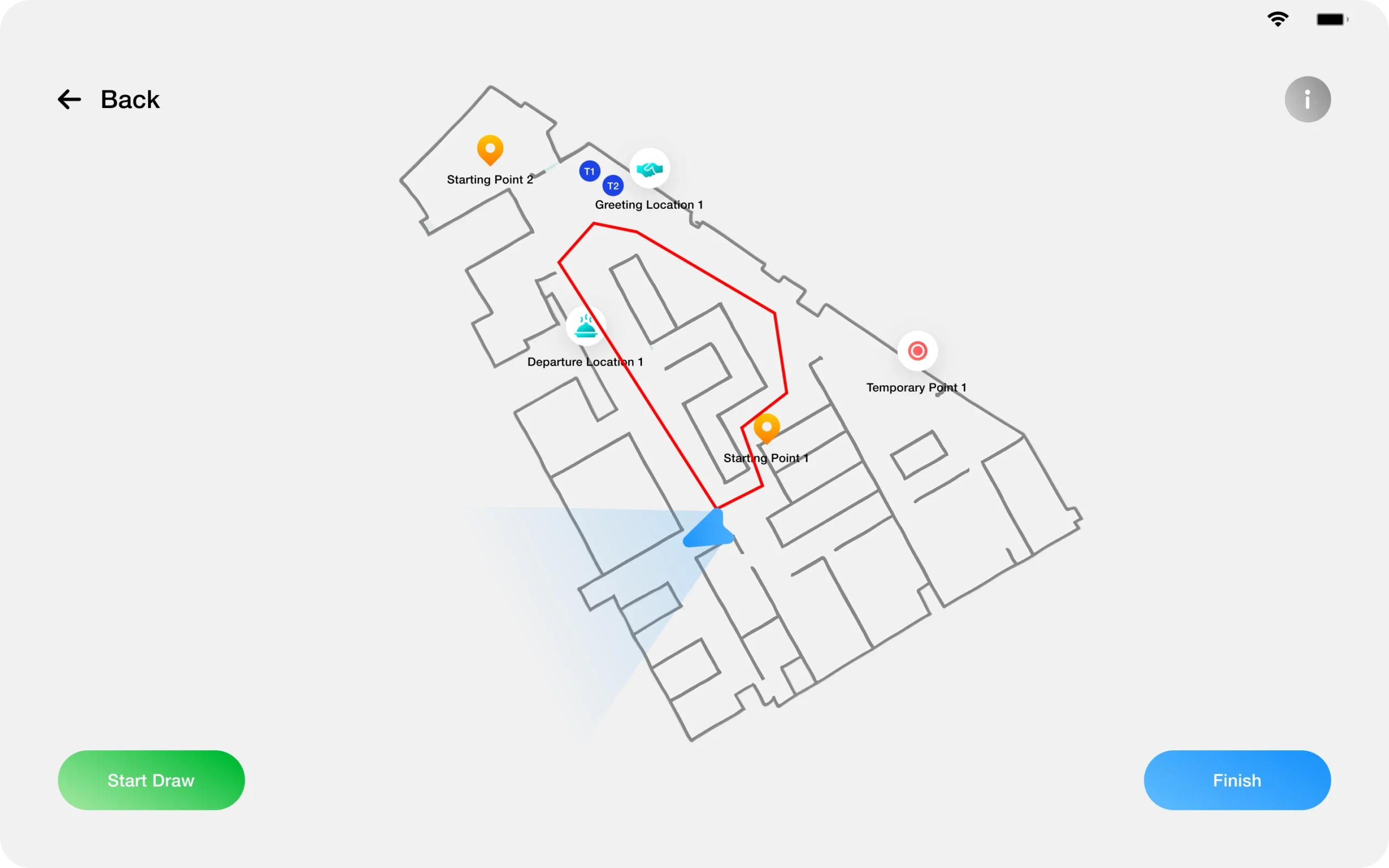
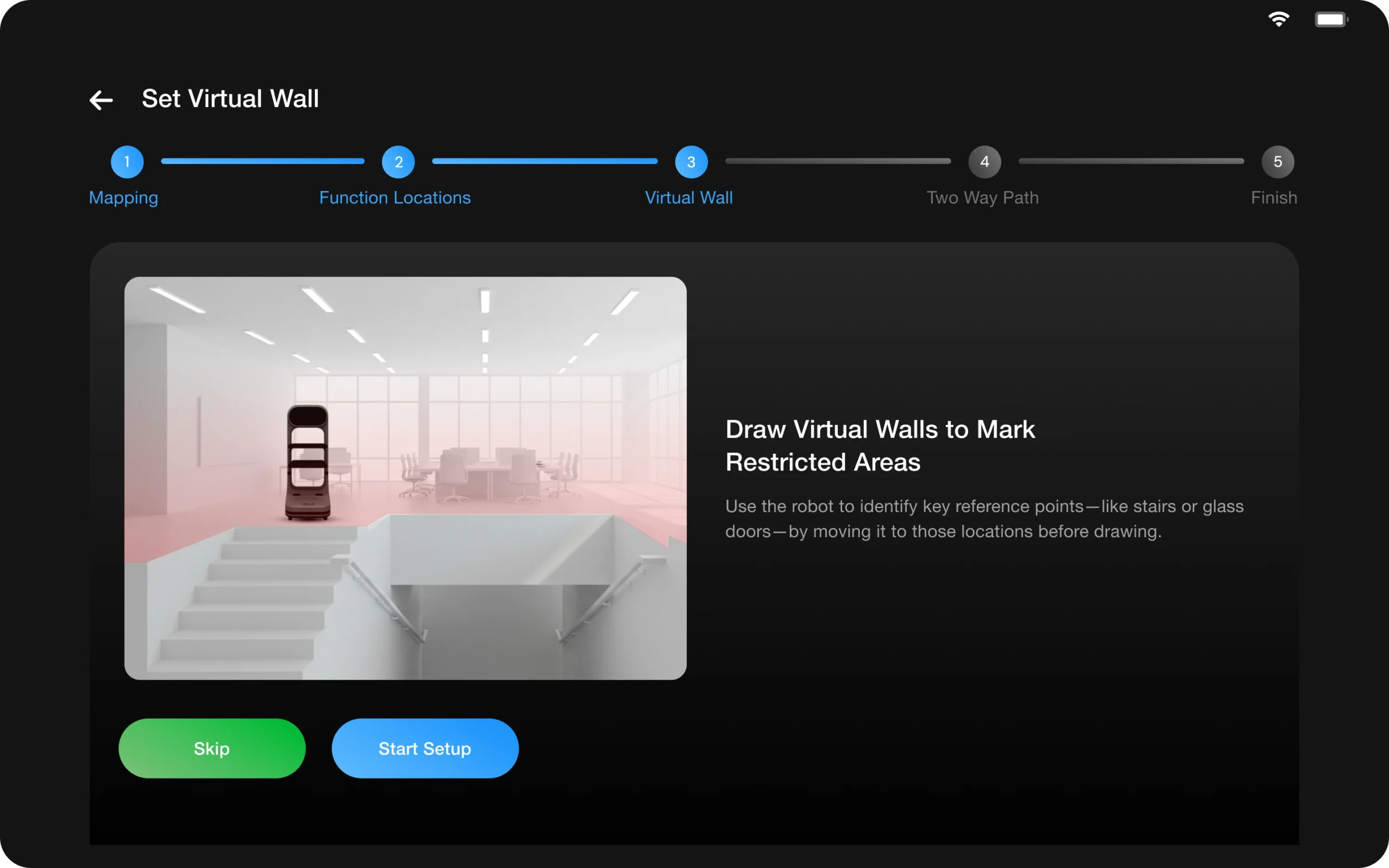
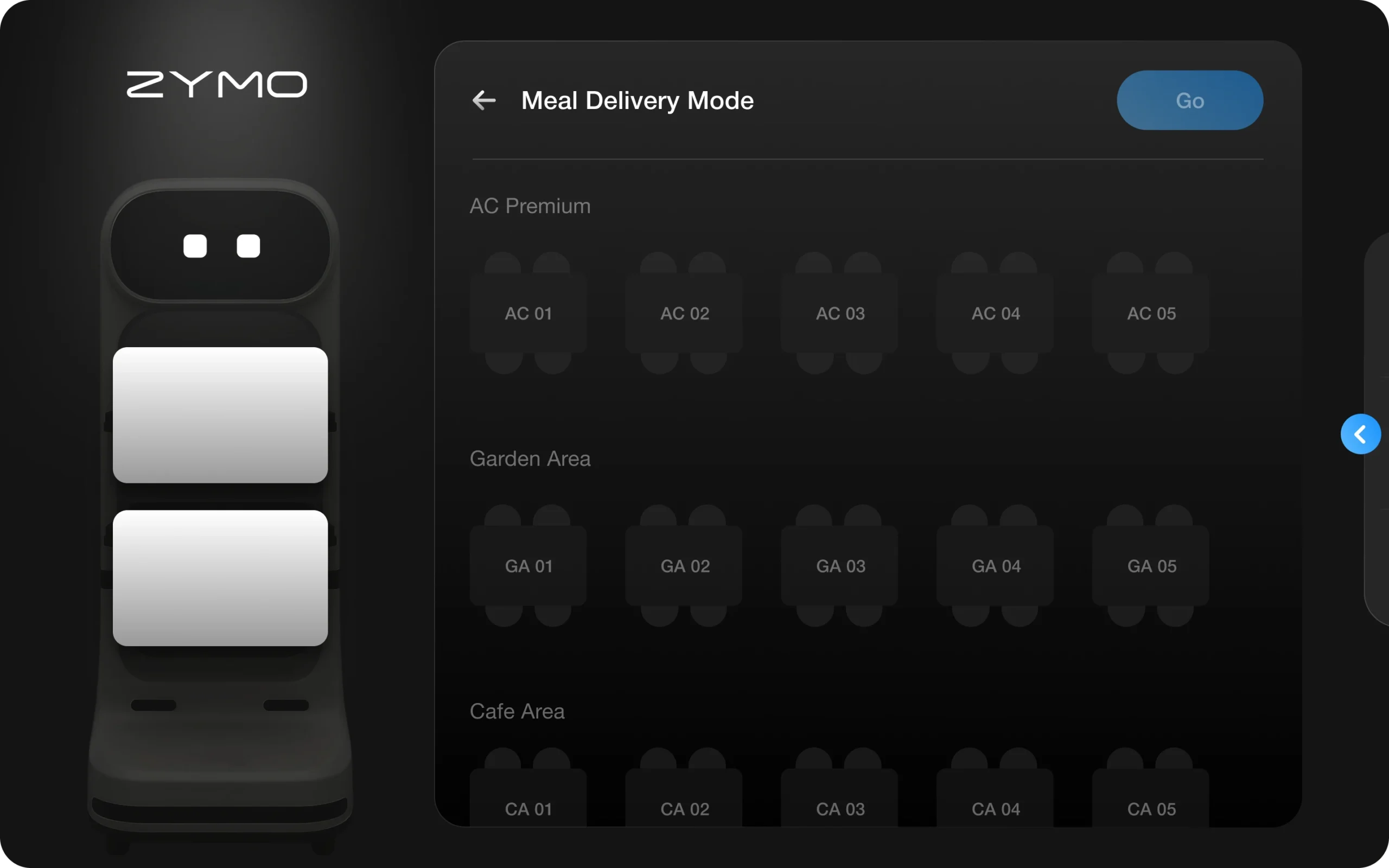
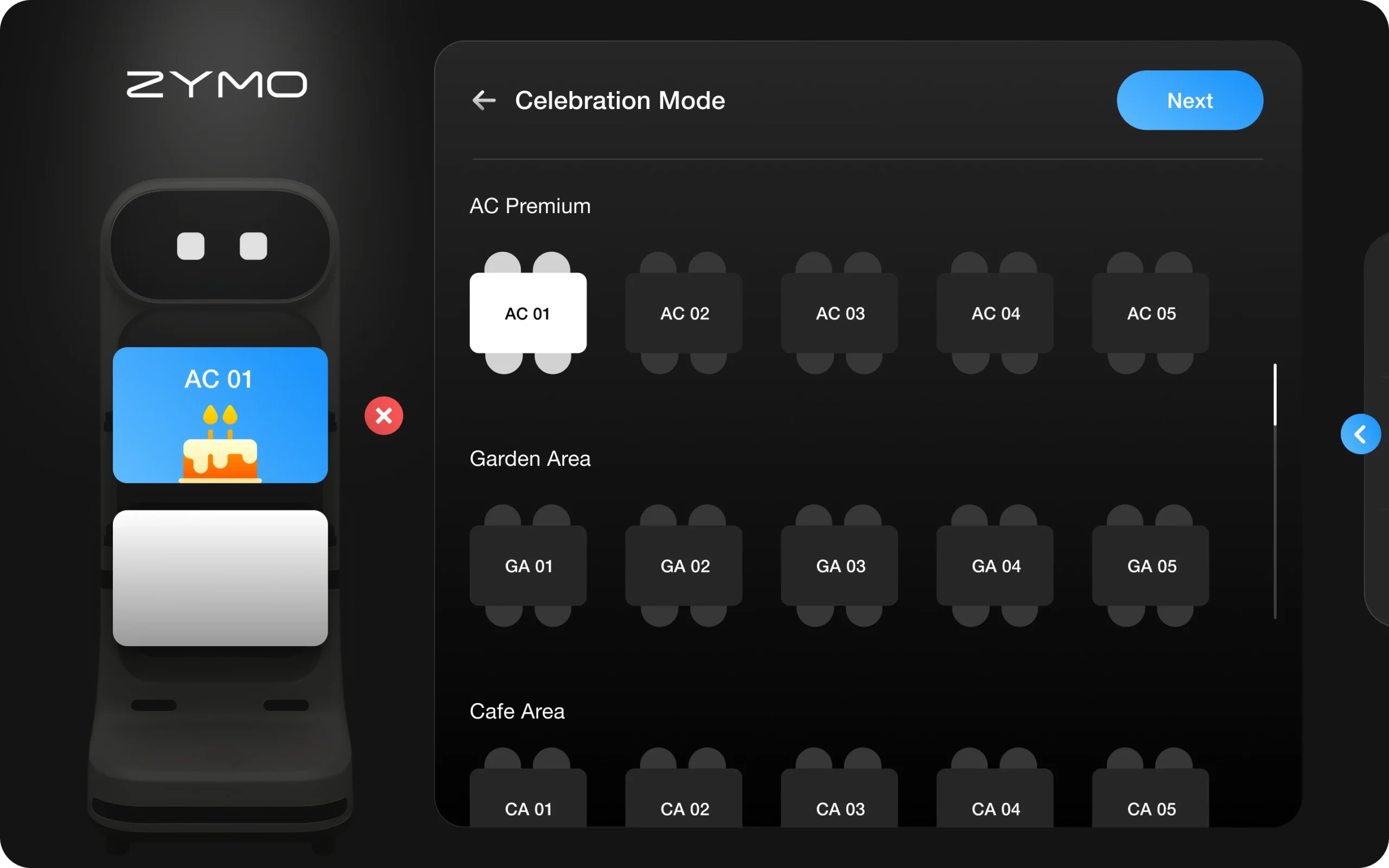
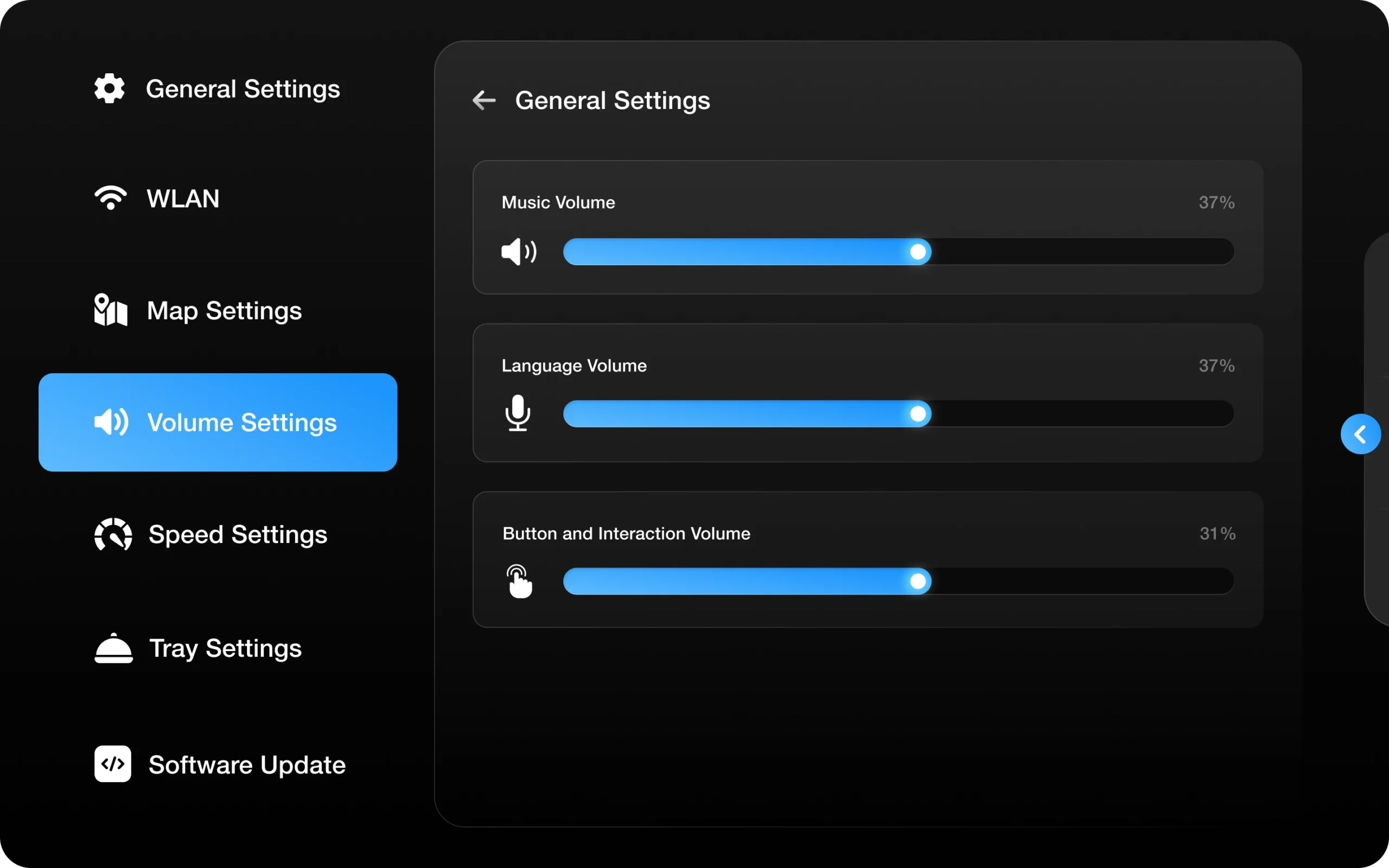
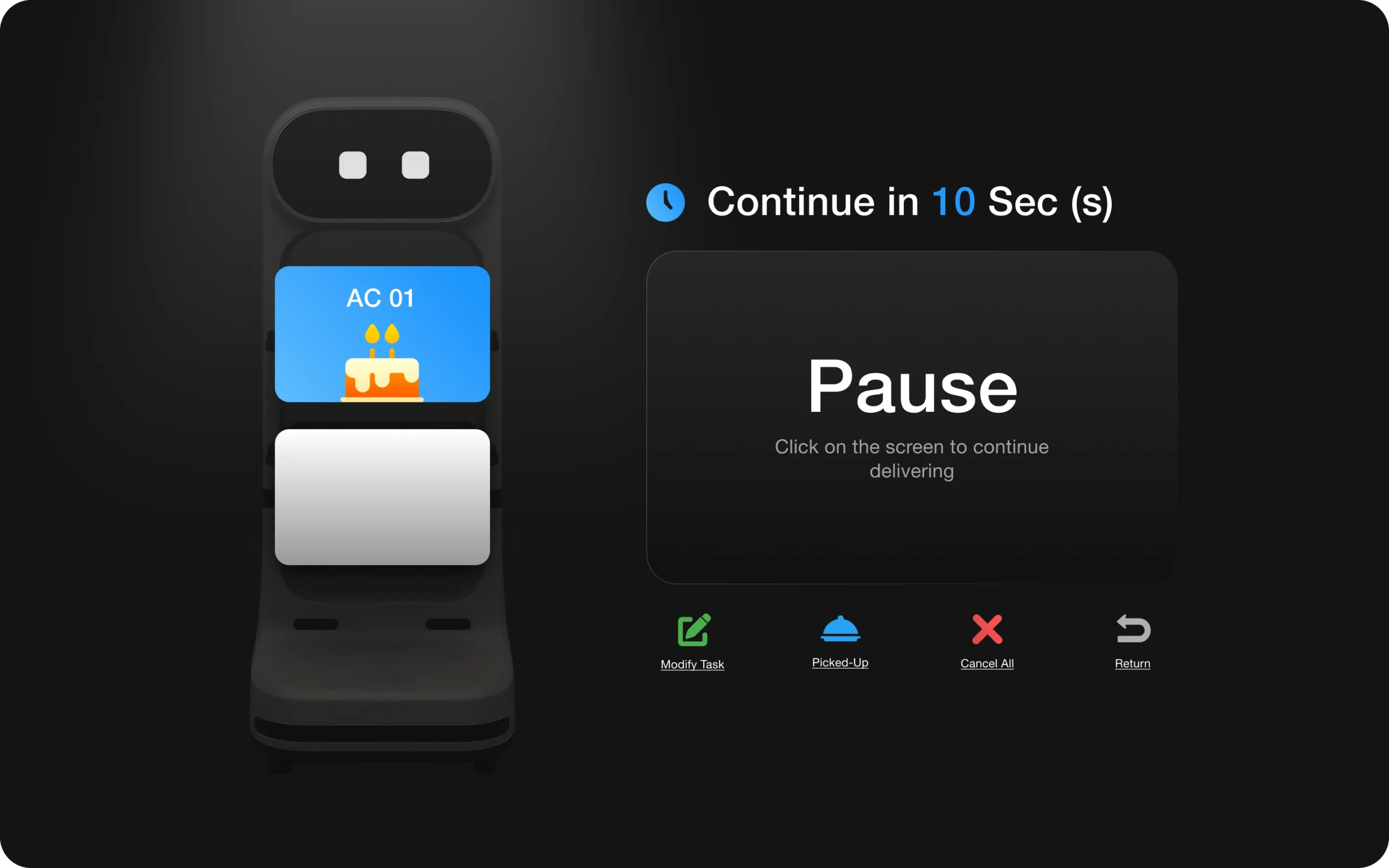
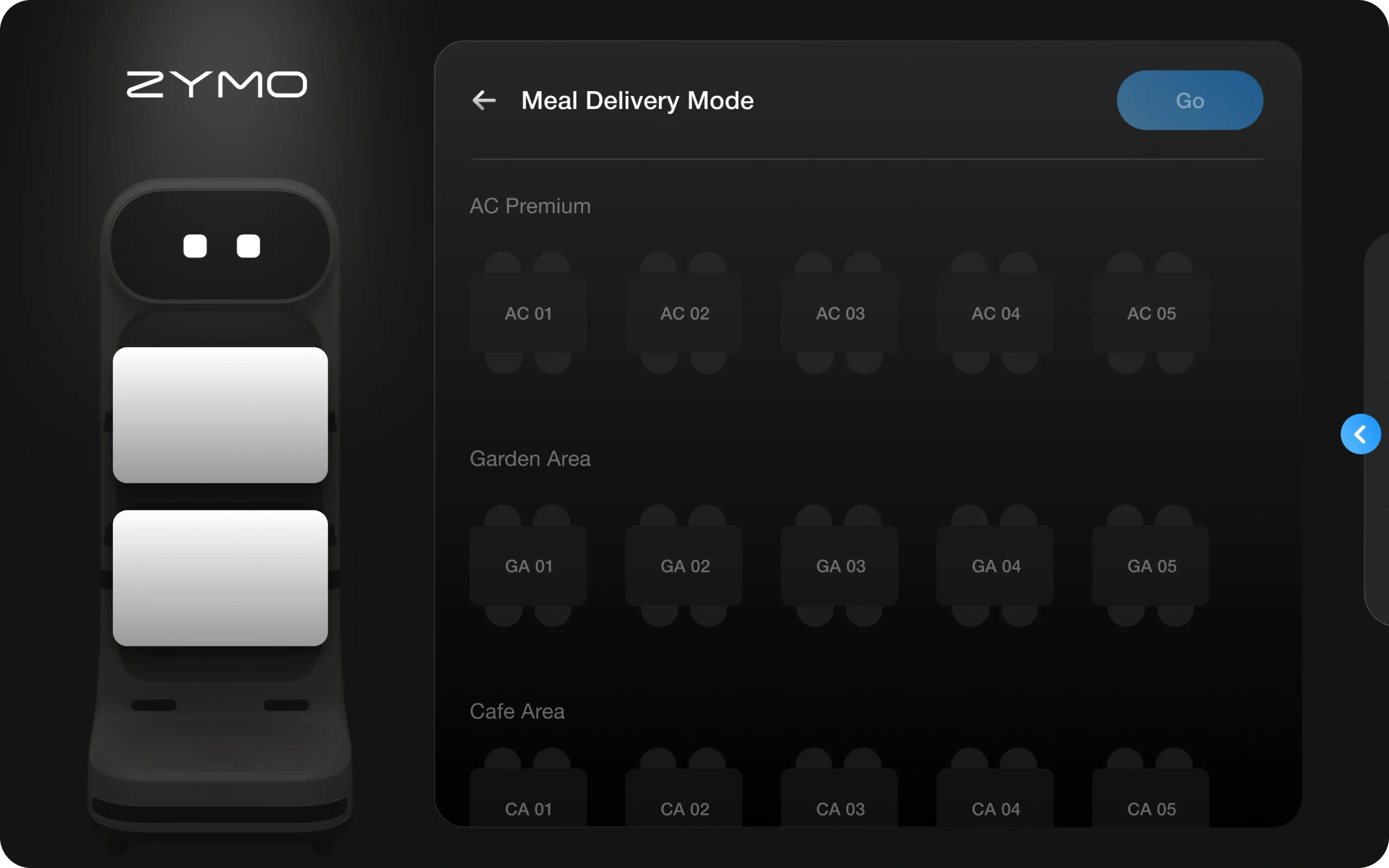
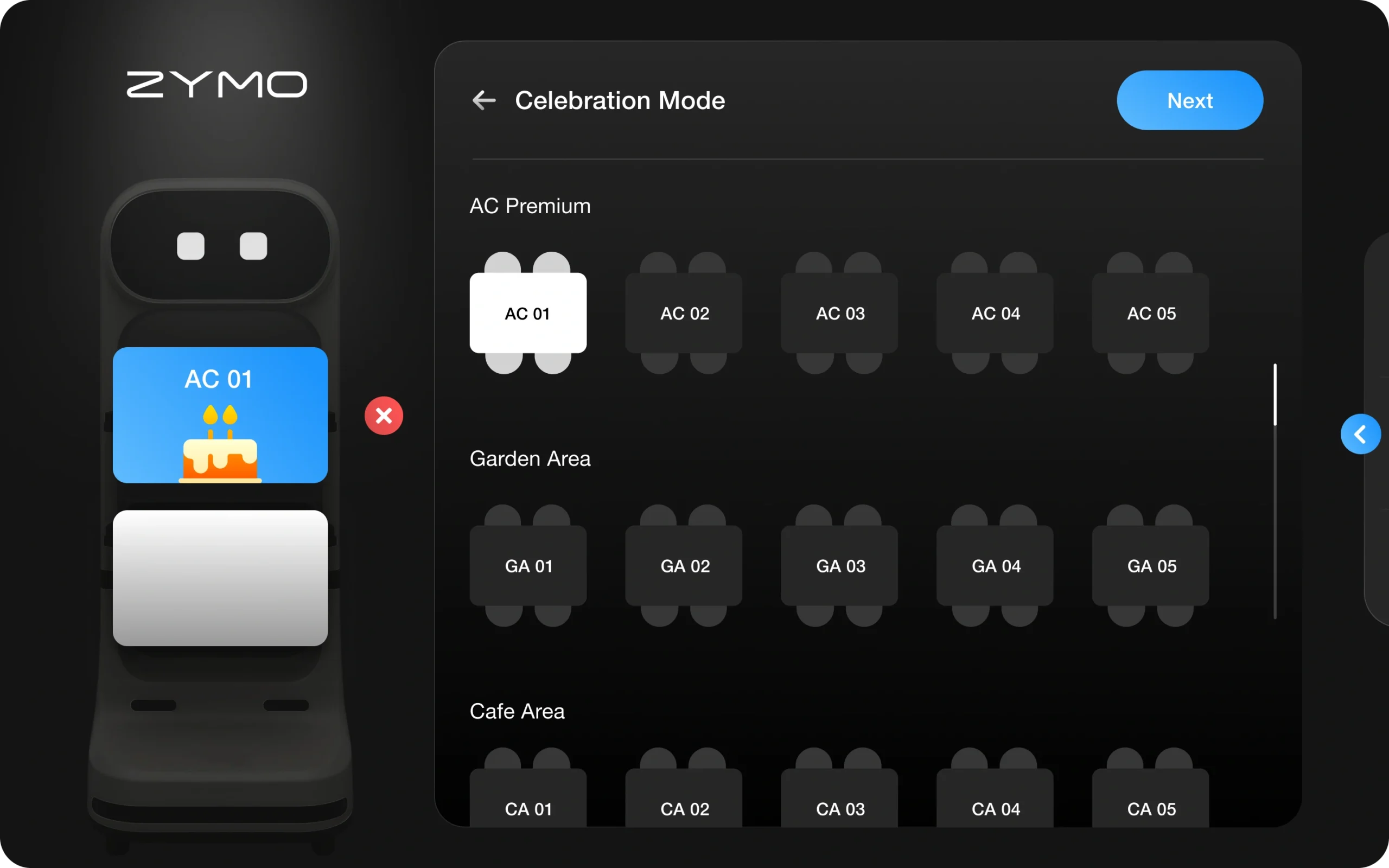
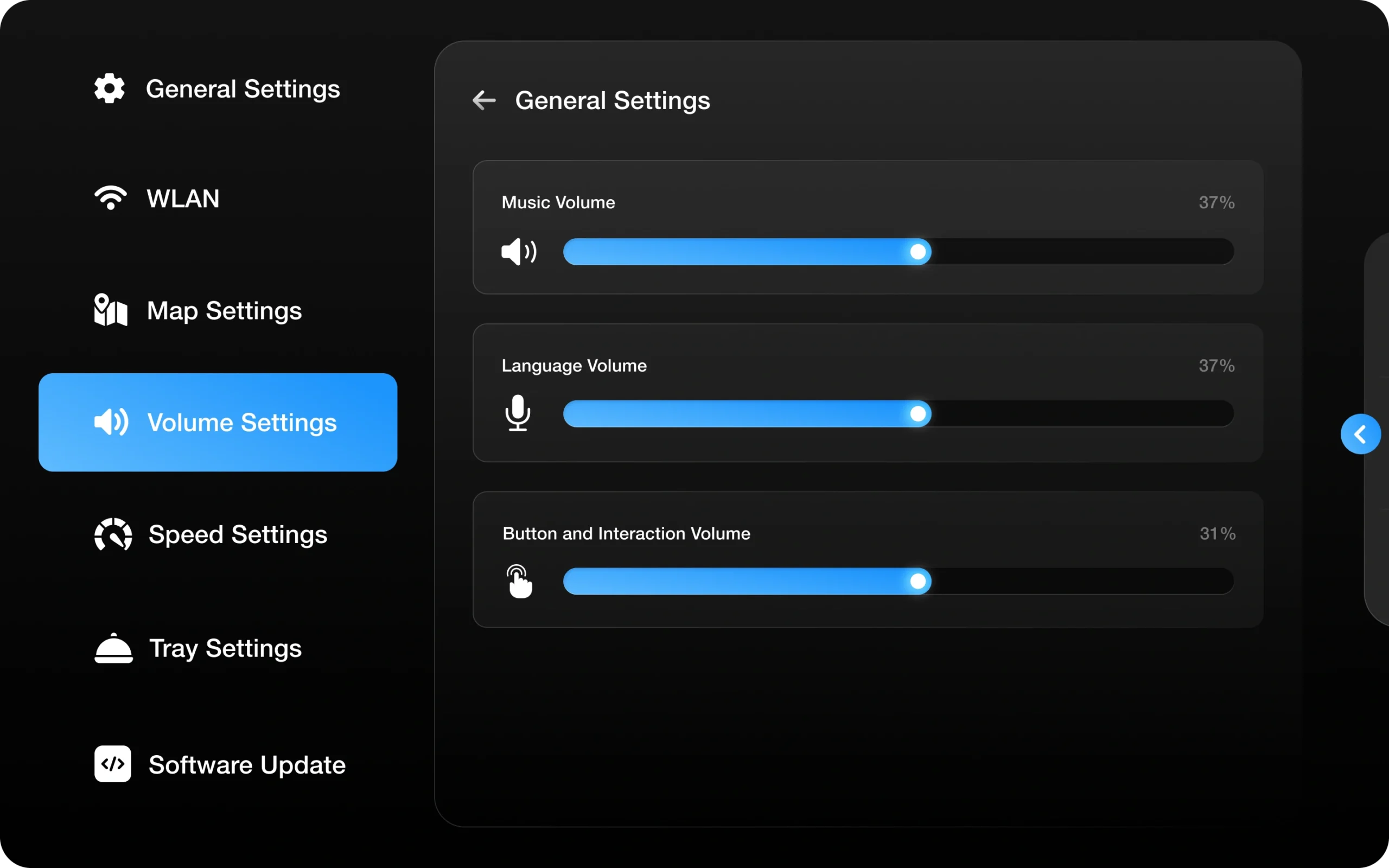
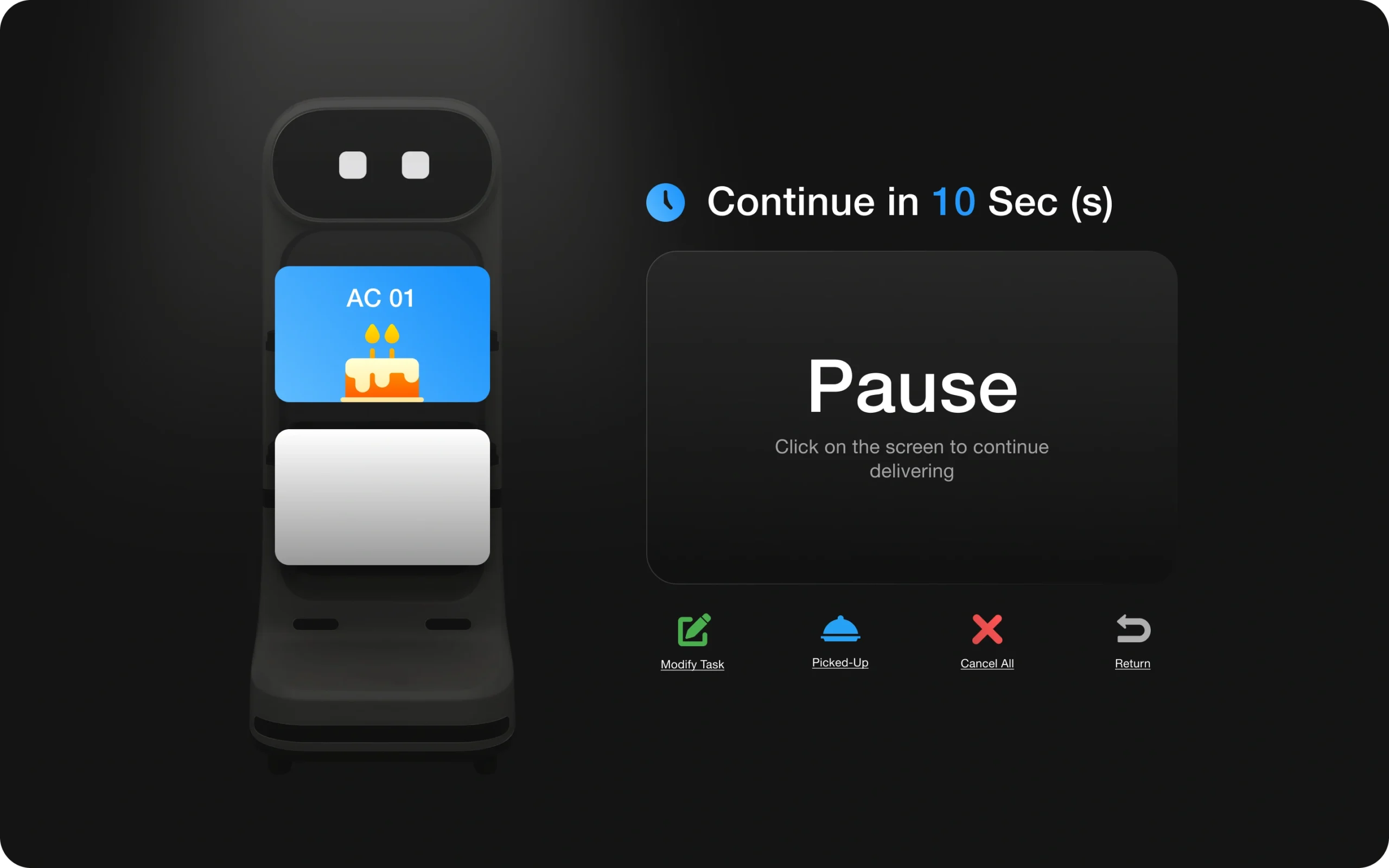
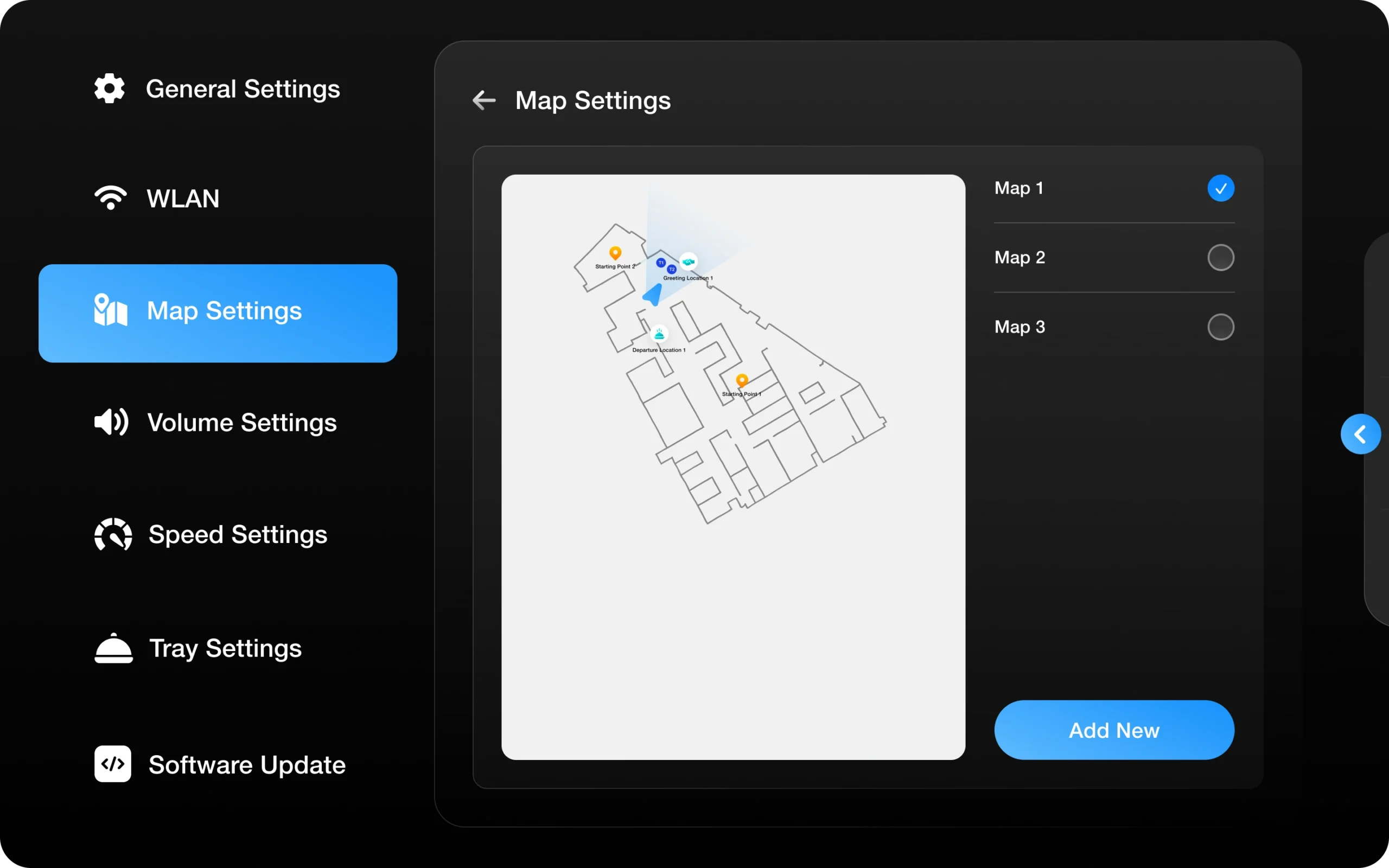
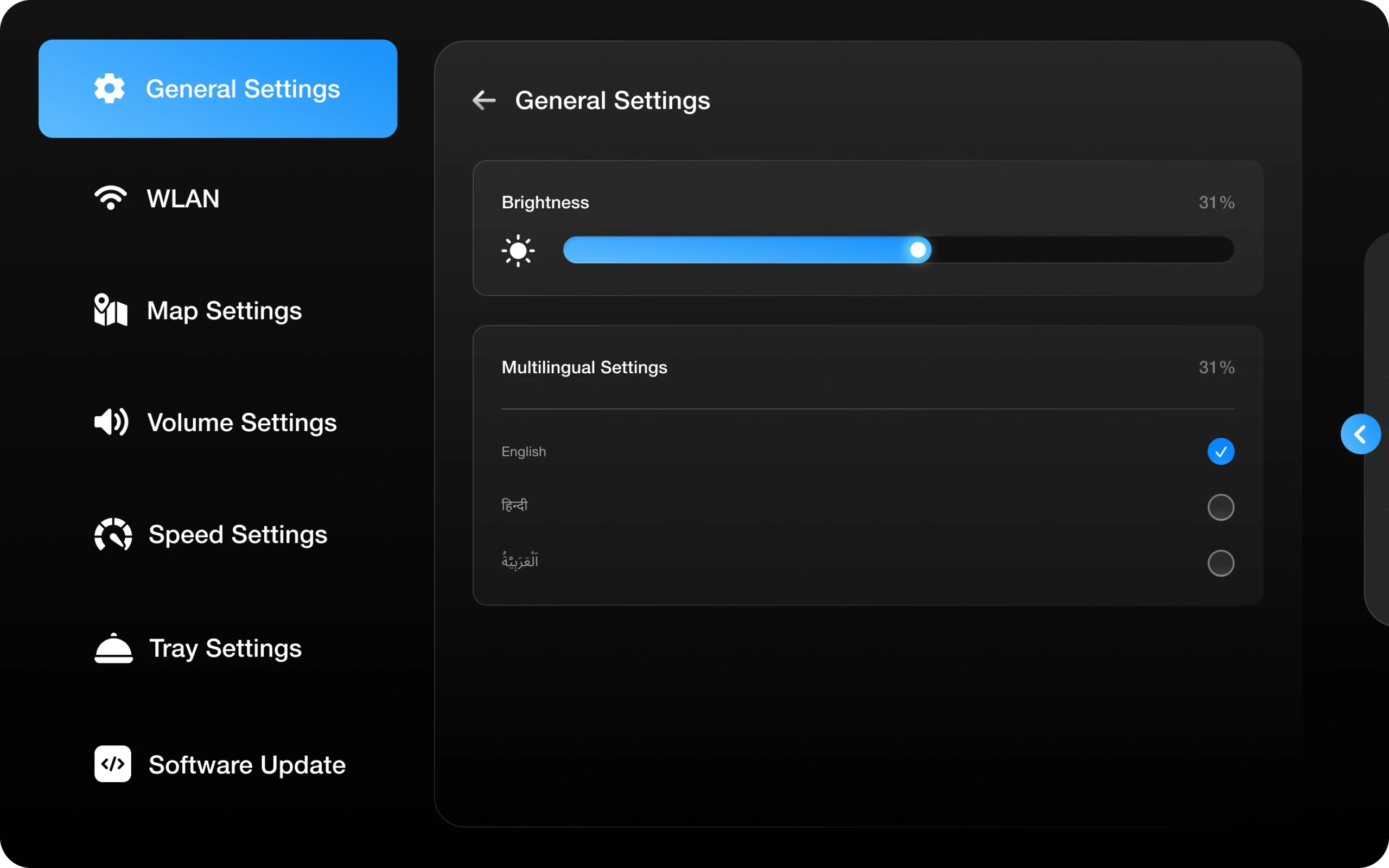
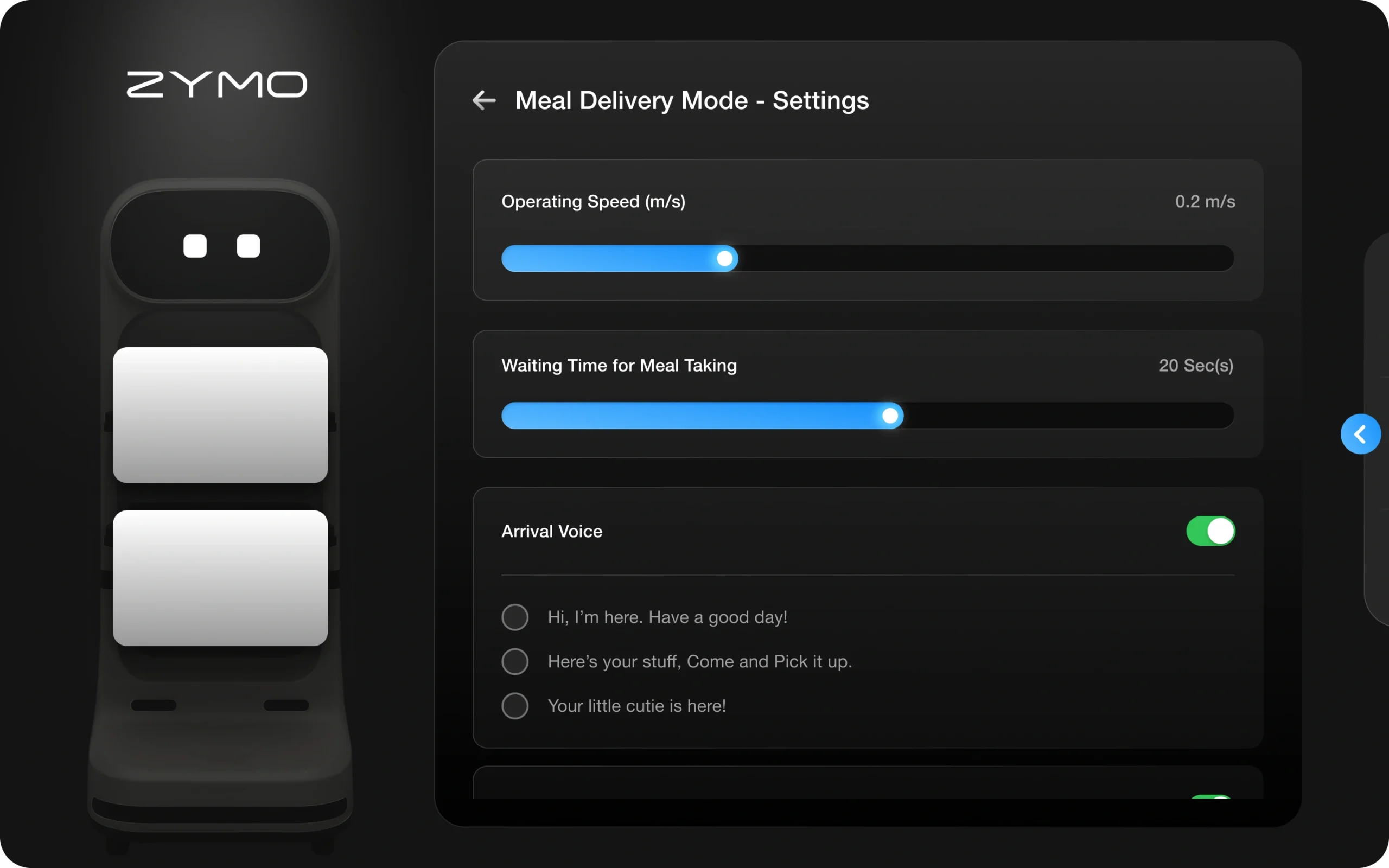
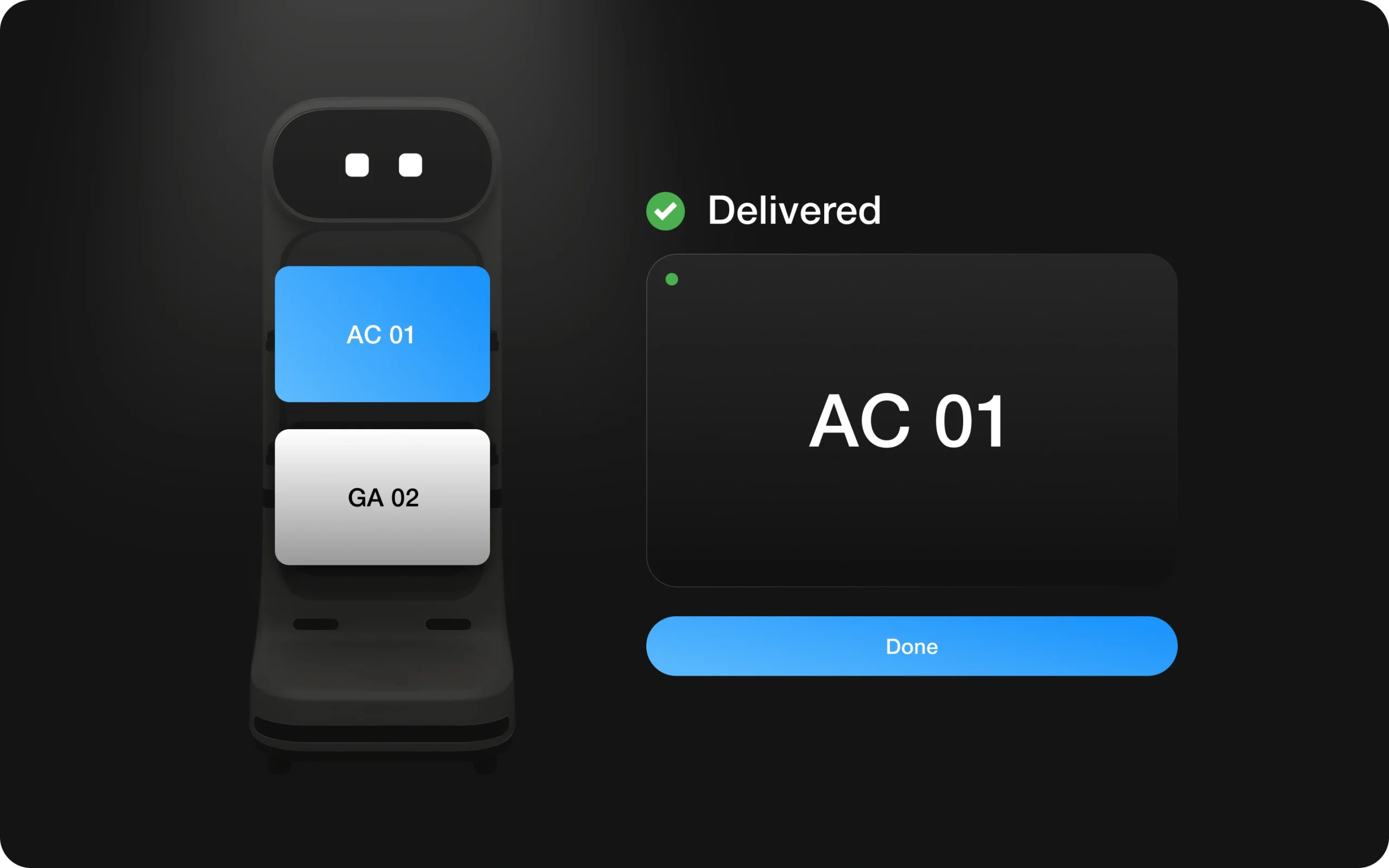
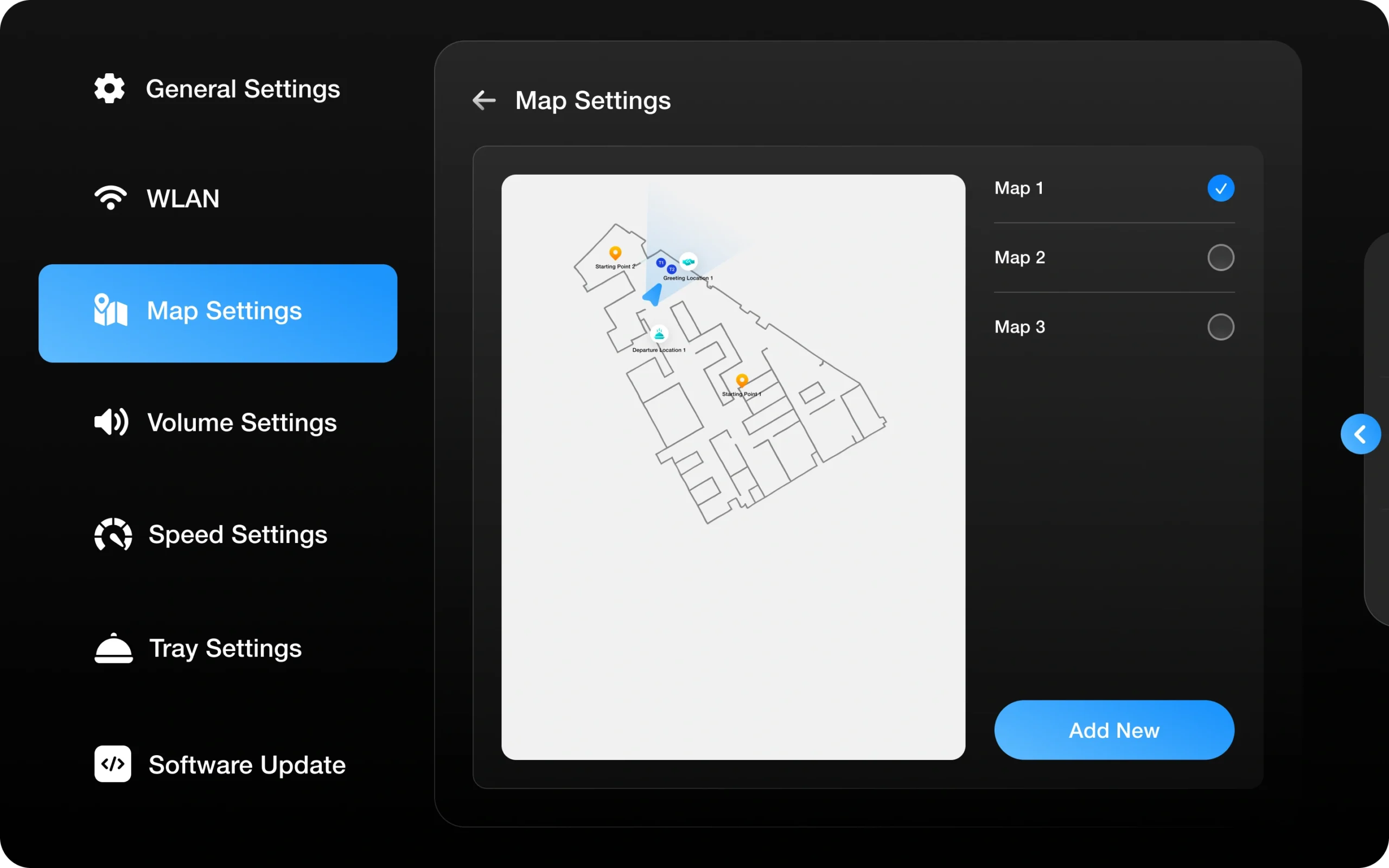
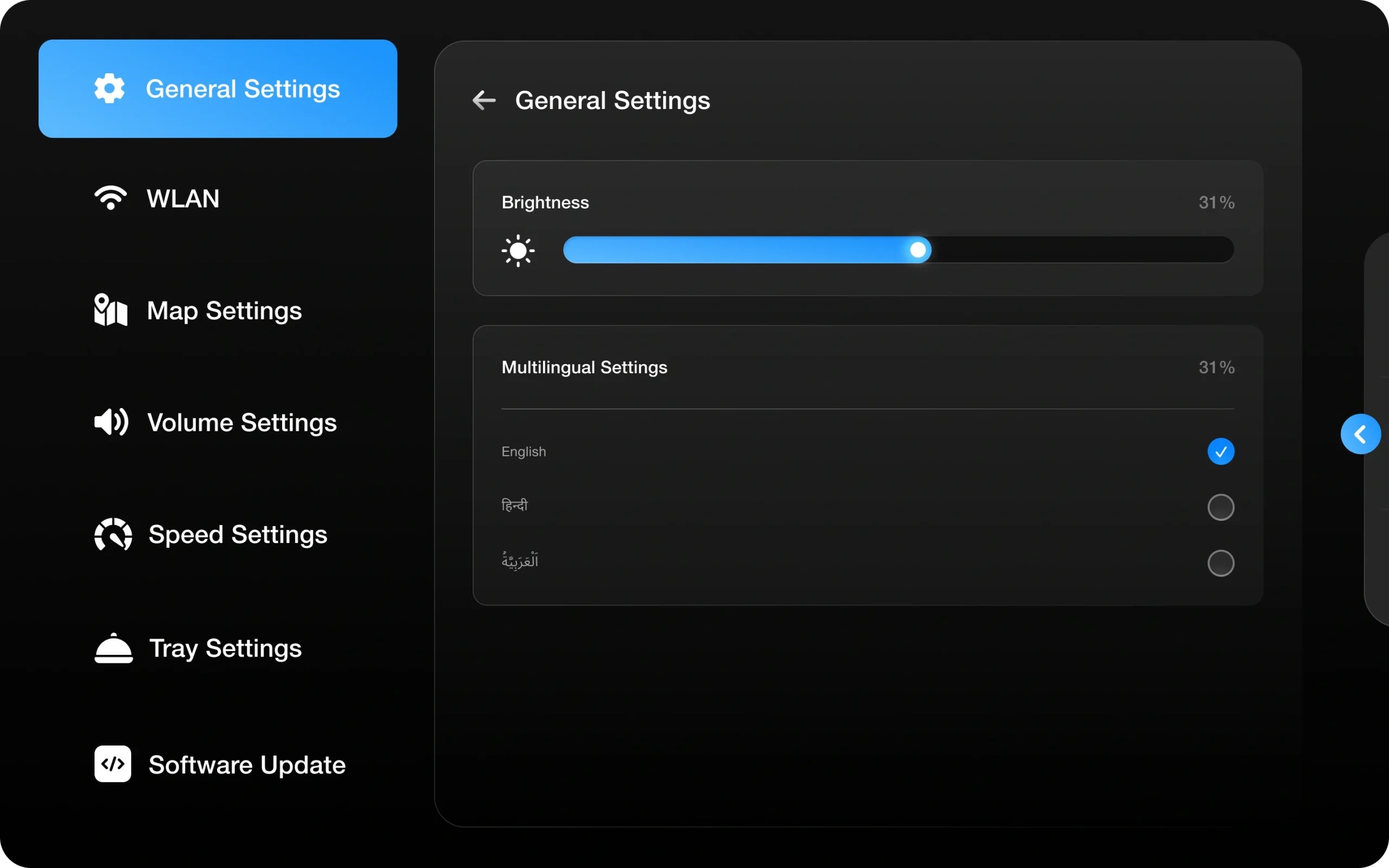
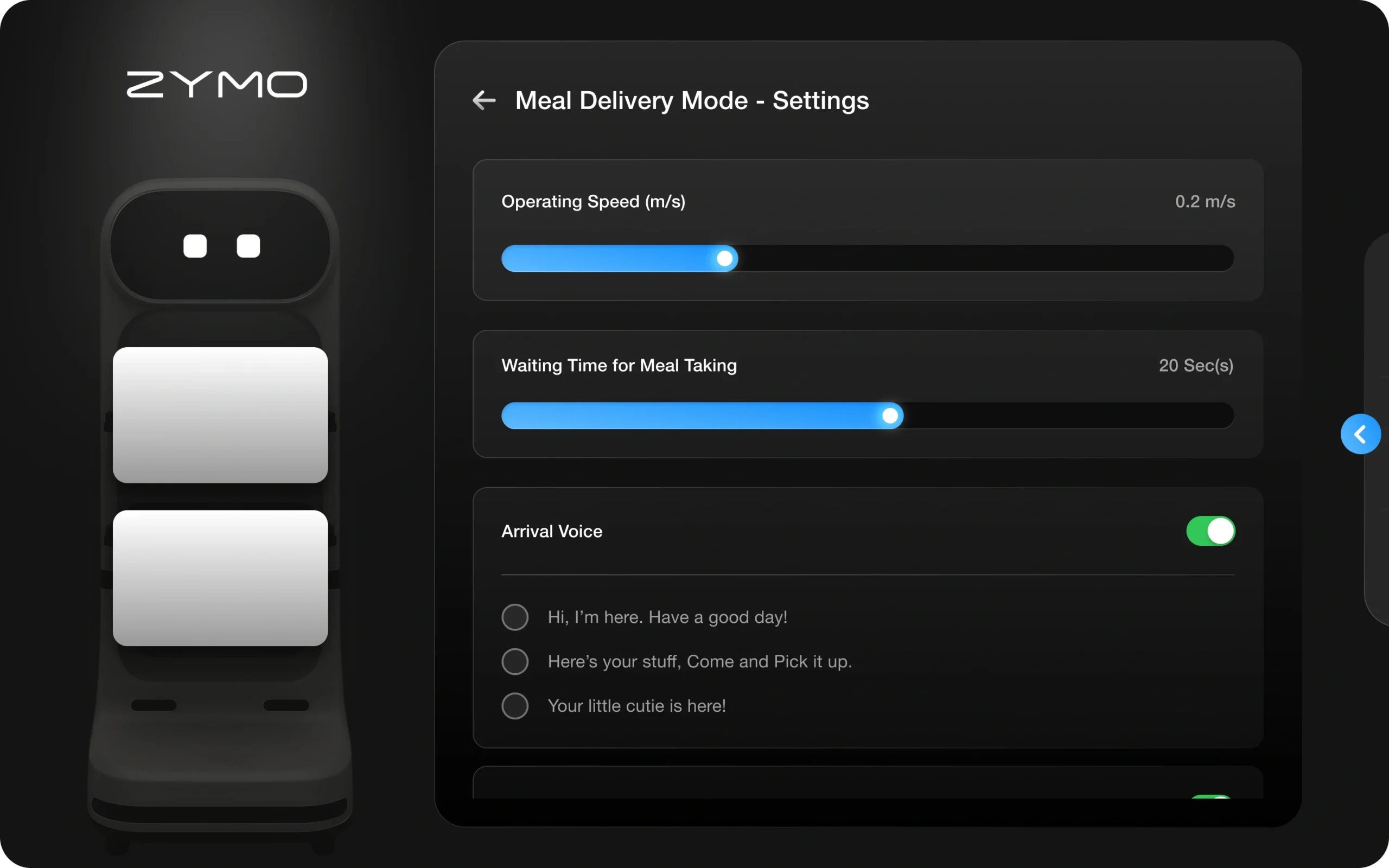
This autonomous food-serving robot is designed to streamline restaurant operations, improve efficiency, and enhance customer interactions. With intelligent navigation and six interactive modes, it can deliver meals, celebrate special occasions, market menu items, collect used dishes, distribute essentials, and manage waitlists.
This case study delves into the HMI design process, focusing on seamless human-robot interaction, intuitive UX, and optimized workflows to create a more engaging and efficient dining experience.
Role &
Responsibility
As the UI/UX Designer, my responsibility was to bridge automation with human interaction, ensuring the robot seamlessly fits into the restaurant environment.
Understanding Requirements & Industry Research
Conducting in-depth research on robotics, machine learning interactions, and food service operations.
Analyzing restaurant workflows, staff interactions, and customer expectations to design an intuitive HMI.
UX Strategy & Design Execution
Defining user flows and interaction models for the robot’s six operational modes.
Creating prototypes and wireframes, ensuring usability, clarity, and efficiency in real-world restaurant scenarios.
Designing a human-centered interface that enhances both restaurant operations and customer experience.
Cross-Functional Collaboration
Working with the Project Manager to align UX with business objectives.
Collaborating with the Robotic Technical Manager to ensure feasibility and hardware-software integration.
Engaging with the CMO to maintain brand consistency and market positioning.
Why This Matters to Me the Most
Designing for robotics isn’t just about screens and buttons it’s about making technology feel natural in human spaces. This project challenged me to bridge the gap between automation and intuitive interaction, ensuring a robot could seamlessly fit into the fast-paced rhythm of a restaurant. It was more than just UI it was about creating an experience that feels effortless, engaging, and human.
Turning Restaurant Robotics Challenges into
Seamless Experiences!
Key Challenges
Human-Robot Interaction
Ensuring the robot communicates naturally with customers and staff.
Avoiding confusion in order confirmations, interactions, and notifications.
Operational Workflow Alignment
Integrating seamlessly with kitchen operations, table service, and staff workflows.
Preventing delays or mismanagement in food delivery and task execution.
User Adoption & Usability
Designing an interface that requires minimal training for restaurant staff.
Simplifying task assignment, robot management, and troubleshooting.
Navigation & Space Constraints
Handling crowded, unpredictable restaurant layouts with obstacles and moving people.
Ensuring smooth, collision-free movement while carrying meals.
Solutions
Simple HMI for smooth robot use.
Simple, clear touch interface for staff and customers.
Visual + voice guidance to ensure smooth interactions and confirmations.
Smooth POS and order flow.
Real-time order tracking, delivery status, and notifications.
Syncs with kitchen POS to minimize operational friction.
Simplified UI for Easy Staff Adoption
Minimal steps to assign tasks and manage the robot.
Guided on-screen instructions for error handling and troubleshooting.
Flexible modes for any restaurant.
Multiple service modes (Meal Delivery, Celebration, Free Distribution, etc.).
Restaurants can configure the robot for their specific operations.
Design Thinking
Discover
Target User and Industry Analysis
Learning from the People Who Will Use It
Analyzing Every Angle for Smarter Solutions
Defining Impact with Data-Driven Decisions
Define
Mapping Seamless Interactions
Crafting Scenarios That Drive Design
Task Analysis
Ideate
Mind Maps
User Flow
Prototype
Wireframe
High Fidelity Designs
Micro Interaction
Customer Engagement Experience
Discover
1. Targeted Users and Industry Analysis
I needed to deeply understand the people using this robot—not just their actions but their pain points, habits, and expectations. Each user, from chefs assigning orders to customers receiving meals, interacts differently, and my goal was to design an HMI that feels natural, intuitive, and seamlessly integrates into restaurant workflows. By analyzing user behaviors, real-world scenarios, and operational challenges, I ensured that the product was not just functional but truly impactful in enhancing efficiency and experience.
2. Learning from the People Who Will Use It
To create an HMI that truly works in a fast-paced restaurant environment, I conducted user interviews with two individuals from each role customers, chefs, waiters, and restaurant managers. Understanding their daily challenges, expectations, and workflow pain points helped me design an interface that seamlessly integrates into their routine.
This step was essential to uncover real-world friction points from chefs needing quick and error-free order assignments to waiters balancing automation with personal service. By gathering these insights, I ensured that the final design would enhance efficiency, reduce operational bottlenecks, and provide an intuitive experience for every user interacting with the robot.
3. Analyzing Every Angle for Smarter Solutions
After conducting user interviews, I was eager to validate whether the perceived challenges were real pain points or just theoretical concerns. While some users embraced the idea of a food-serving robot improving efficiency, others especially waiters expressed concerns about job security and reduced human interaction in service. This insight was crucial; it highlighted that beyond just designing a functional HMI, the solution needed to balance automation with human involvement, ensuring that technology enhances, rather than replaces, the workforce. By addressing these concerns, the goal was to create a system that empowers staff, optimizes workflows, and improves customer experience without making employees feel obsolete.
4. Defining Impact with Data-Driven Decisions
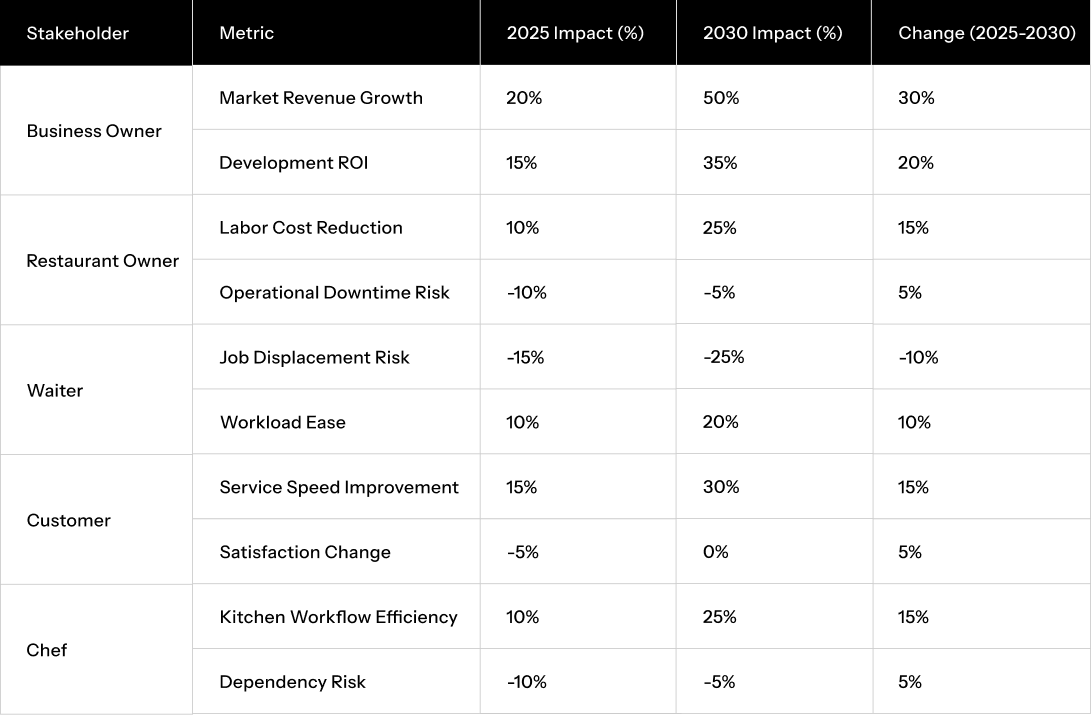
I want to understand the market size and future impact of restaurant robotics, especially in response to labor shortages and workforce inconsistencies. Additionally, I aim to determine how restaurant size influences the number of robots required for efficient operations and whether the restaurant industry truly needs automation to enhance service and productivity.
This matrix organizes the projected impacts across stakeholder perspectives and key metrics, with percentages reflecting changes from 2025 to 2030. Positive percentages indicate benefits (e.g., cost savings), while negative percentages indicate drawbacks (e.g., satisfaction dips).
Perspective After the Research Phase
Through this phase, I uncovered valuable insights into real-world challenges, user expectations, and operational needs for the smart food-serving robot. This research provided a clear understanding of how automation can seamlessly enhance restaurant workflows while addressing user concerns and industry demands.
Define
1. The real-life problem
Inefficiency and Strain of Human-Dependent Operations
High turnover, burnout, and post-pandemic workforce shifts have reduced available staff.
Fewer workers mean longer wait times and overburdened teams.
Rising Costs
Increasing wages and operational expenses squeeze profit margins.
Relying solely on human labor for repetitive tasks becomes unsustainable.
Service Demands
Customers expect quick, reliable service, especially during peak hours.
Manual processes struggle to keep pace, leading to delays and errors.
2. Storyboard
1. Customer Places an Order
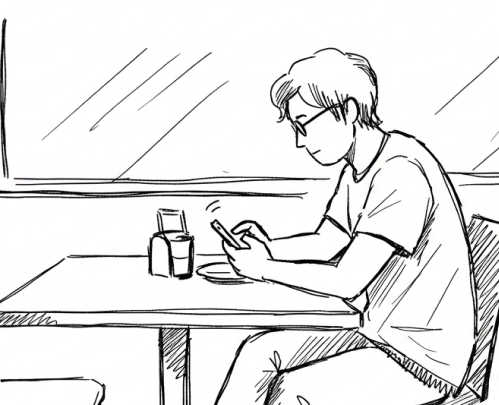
A diner sits at their table, browsing the restaurant’s PWS app. They select their meal and place an order. Instantly, the order is sent to the kitchen management system.
2. Kitchen Staff Prepares the Meal
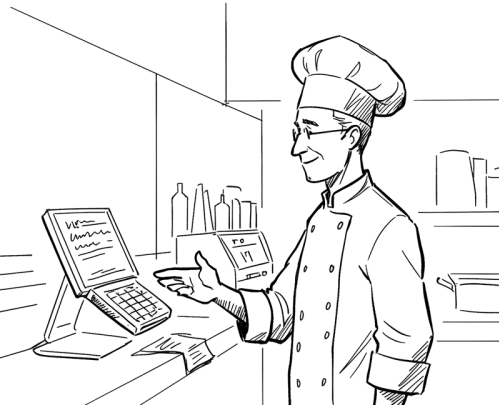
In the kitchen, staff receives the order on their POS screen. Once the meal is ready, they assign a robot, select the appropriate tray and destination table, and mark the order as “Ready for Dispatch.”
3. Robot Picks Up & Delivers
The robot receives the task, automatically switching to Meal Delivery Mode. It navigates through the restaurant, avoiding obstacles, and reaches the assigned table.
4. Customer Receives the Order
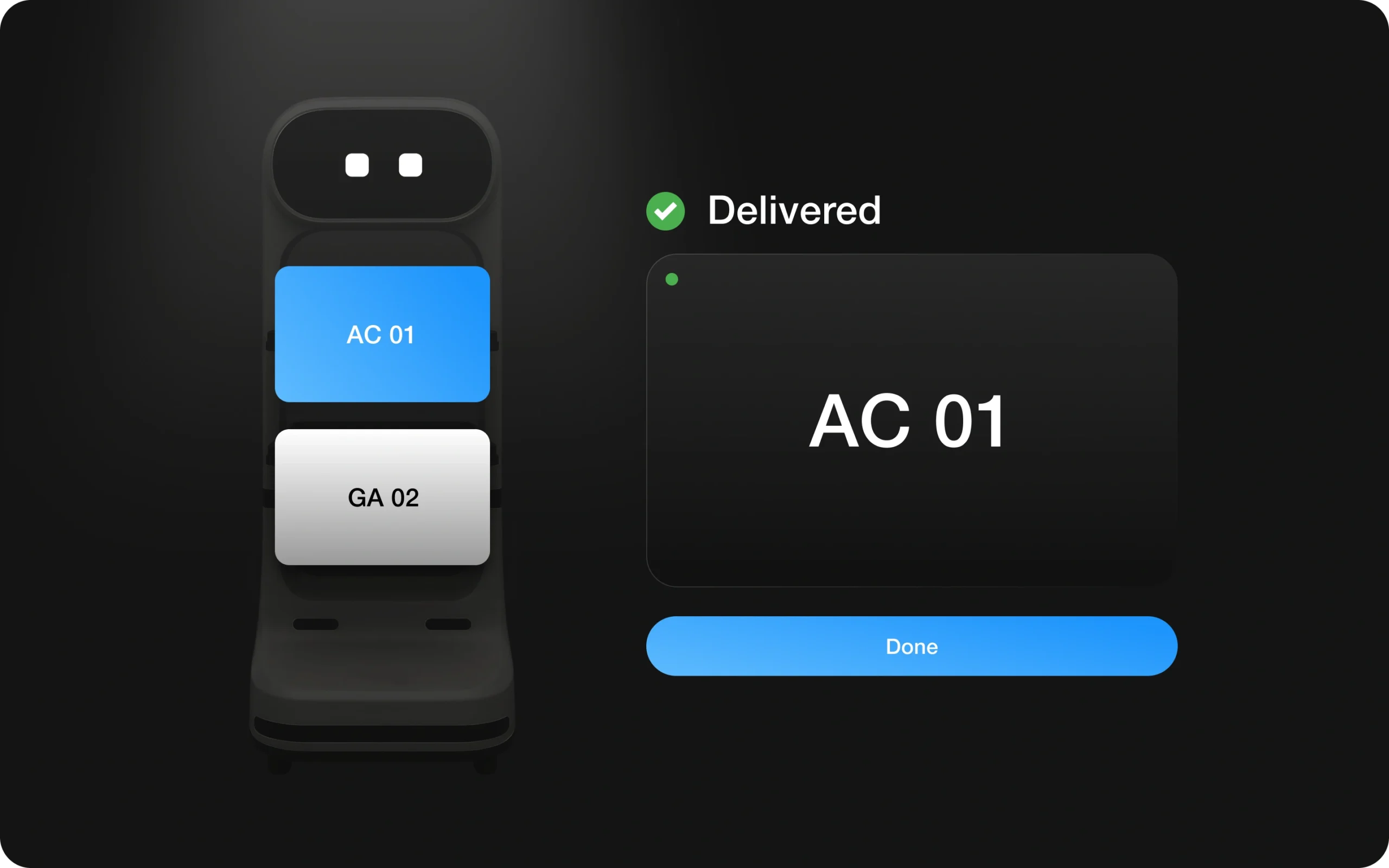
Upon arrival, the robot displays an order confirmation message on its screen. The customer taps “Confirm” to complete the interaction. The robot then returns to the kitchen or awaits its next task.
3. Task Analysis: Defining the Autonomous Restaurant Ecosystem
Robot - HMI (Human Machine Interface)
Used by customers for order confirmation and interaction, and by chefs for assigning trays and dispatching meals.
Kitchen Operator Panel
Managed by chefs and staff to receive, track, and assign orders to the robot.
Mobile PWS
Accessed by customers for ordering, tracking, and engaging with the restaurant’s automated service.
Admin Panel
Exclusively controlled by the agency to customize, monitor, and configure the Robot HMI, Kitchen Operator Panel, and Mobile PWS based on restaurant needs.
Perspective After the Define Phase
After completing the Define Phase, I gained a clearer understanding of real-time problems, user needs, and system requirements, ensuring that every interaction in the autonomous restaurant environment is both functional and intuitive.
Ideate
1. Mind Map
2. User Flow
Perspective After the Ideat Phase
After developing the mind map and user flows for multiple modes and modules, I now have a comprehensive visual representation of how each user customers, chefs, waiters, and admins interacts with the smart food-serving robot across various service scenarios.
Finding design patterns for every element
1. Inspiration snapshot
A curated set of concept designs and research snapshots for the Human-Machine Interface (HMI) of our autonomous black-themed service robot. The visuals explore intuitive layouts, interaction flows, and interface styling tailored to enhance user engagement and operational efficiency.
2. Basic Wireframe Flow
As part of the wireframing process, I designed a deliberately cluttered and confusing screen to highlight the importance of layout clarity, visual hierarchy, and user flow in HMI systems. This prototype simulates real-world design pitfalls overlapping elements, inconsistent spacing, excessive icons, and poor navigation to challenge layout assumptions and emphasize the value of clean, functional interfaces.
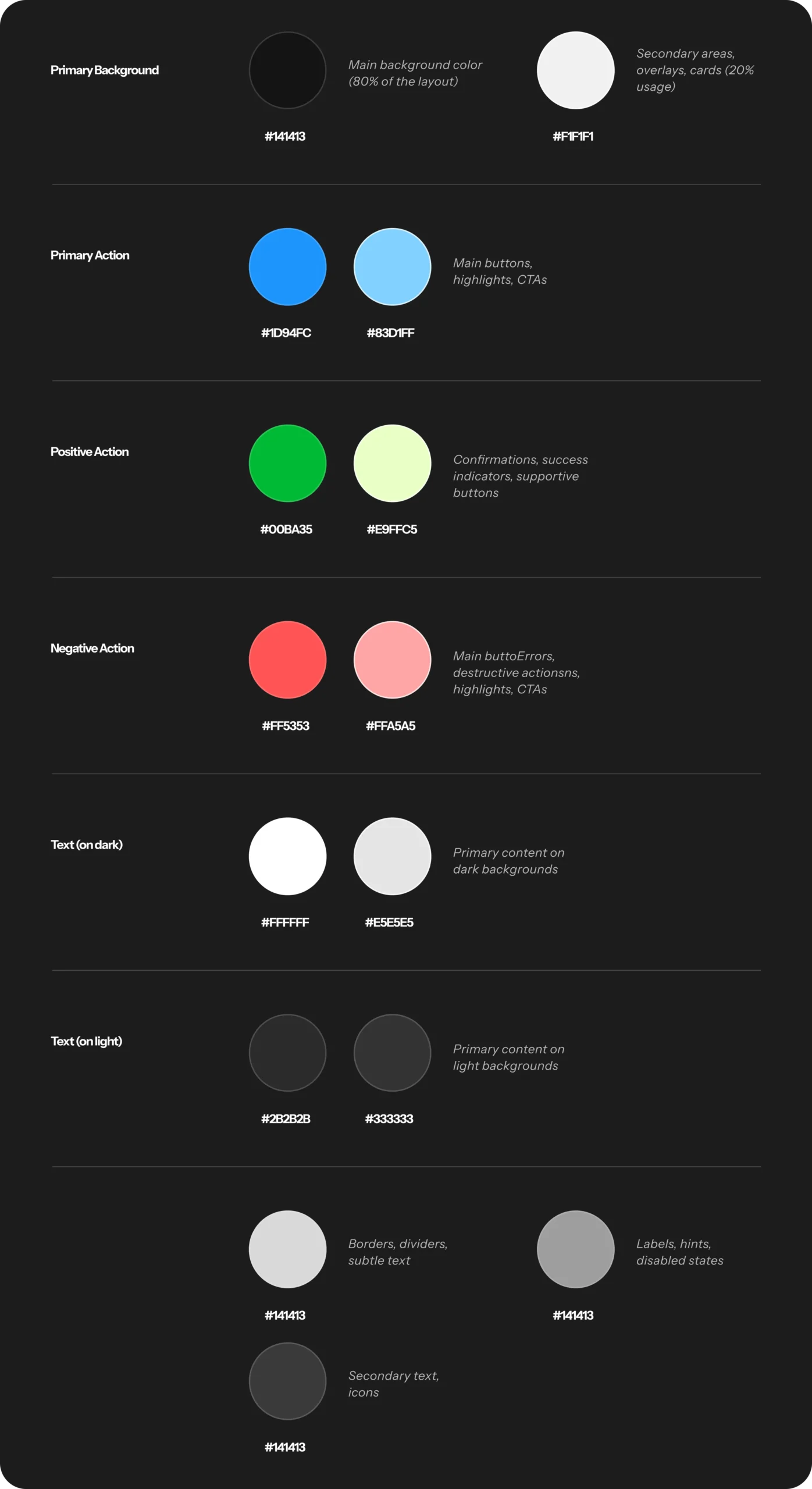
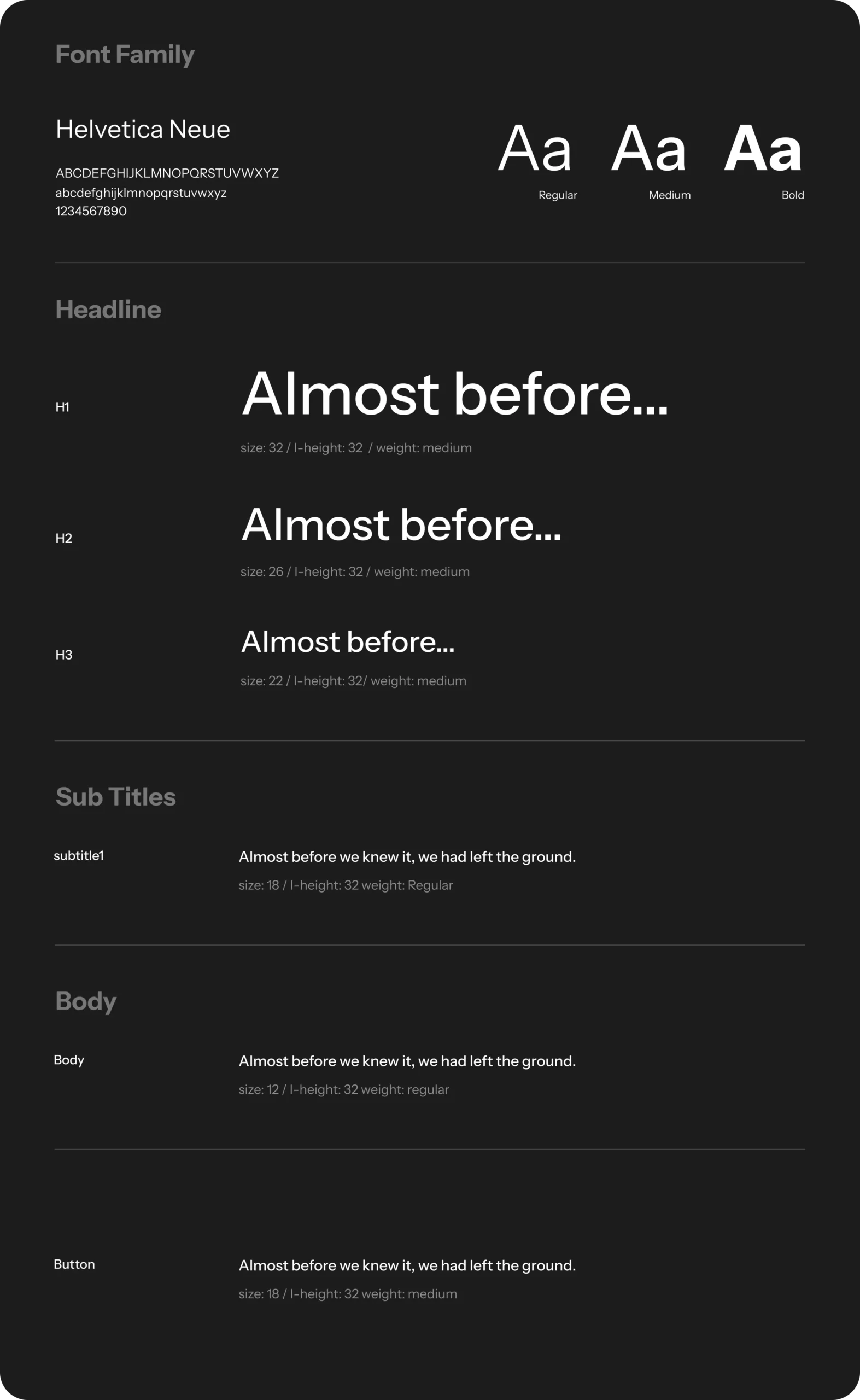
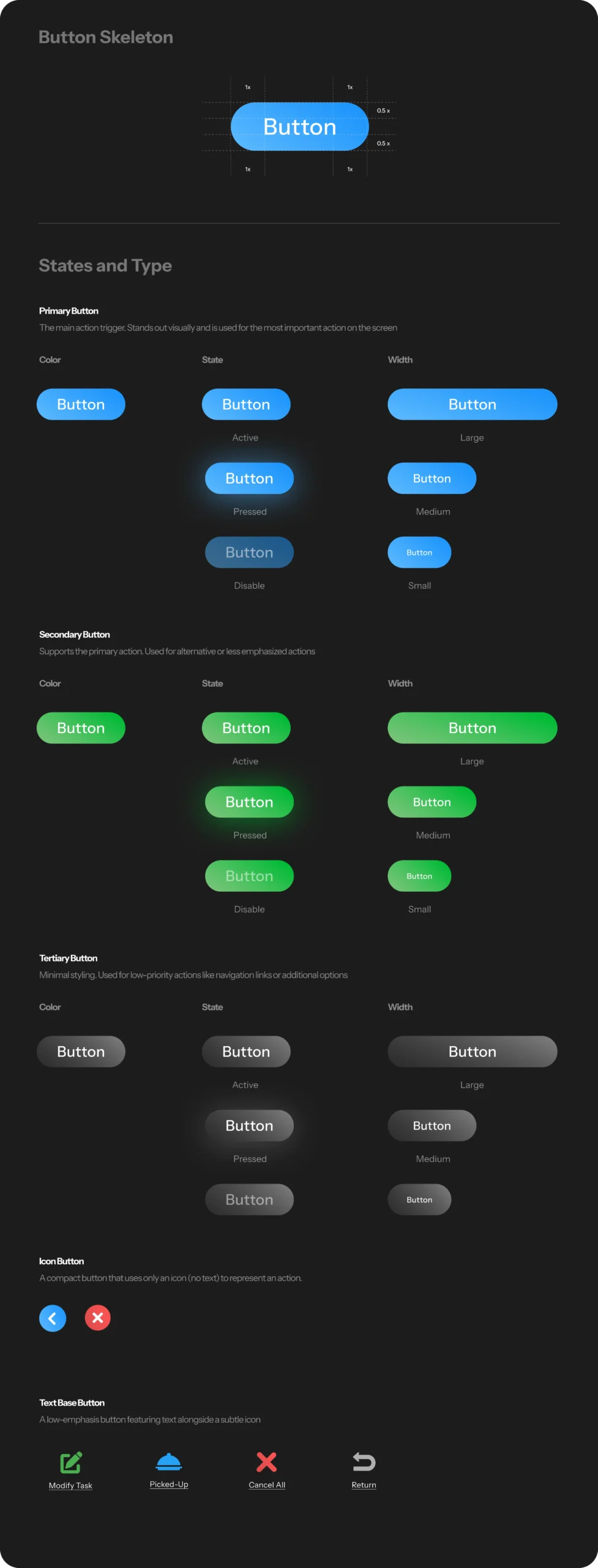
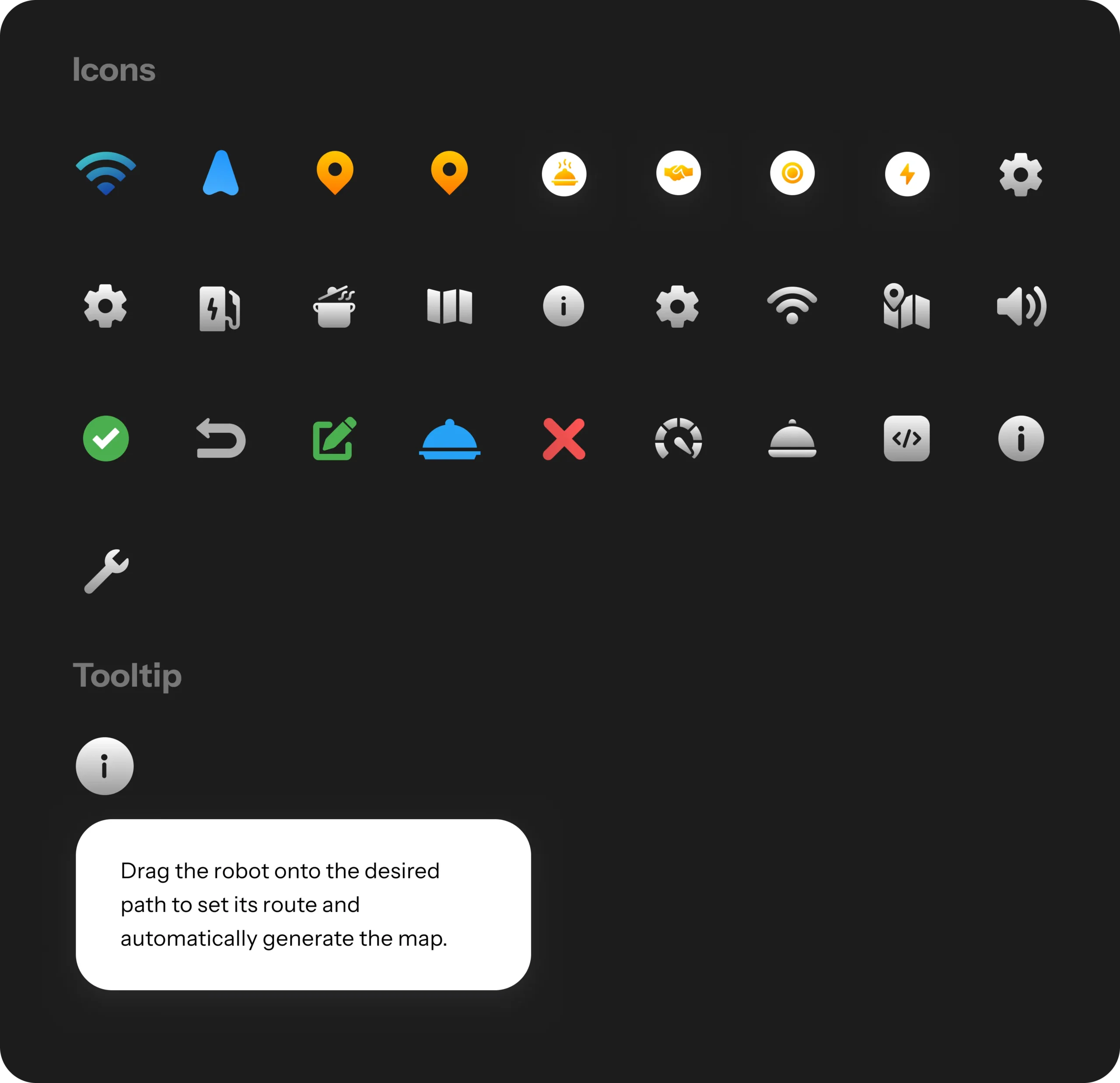
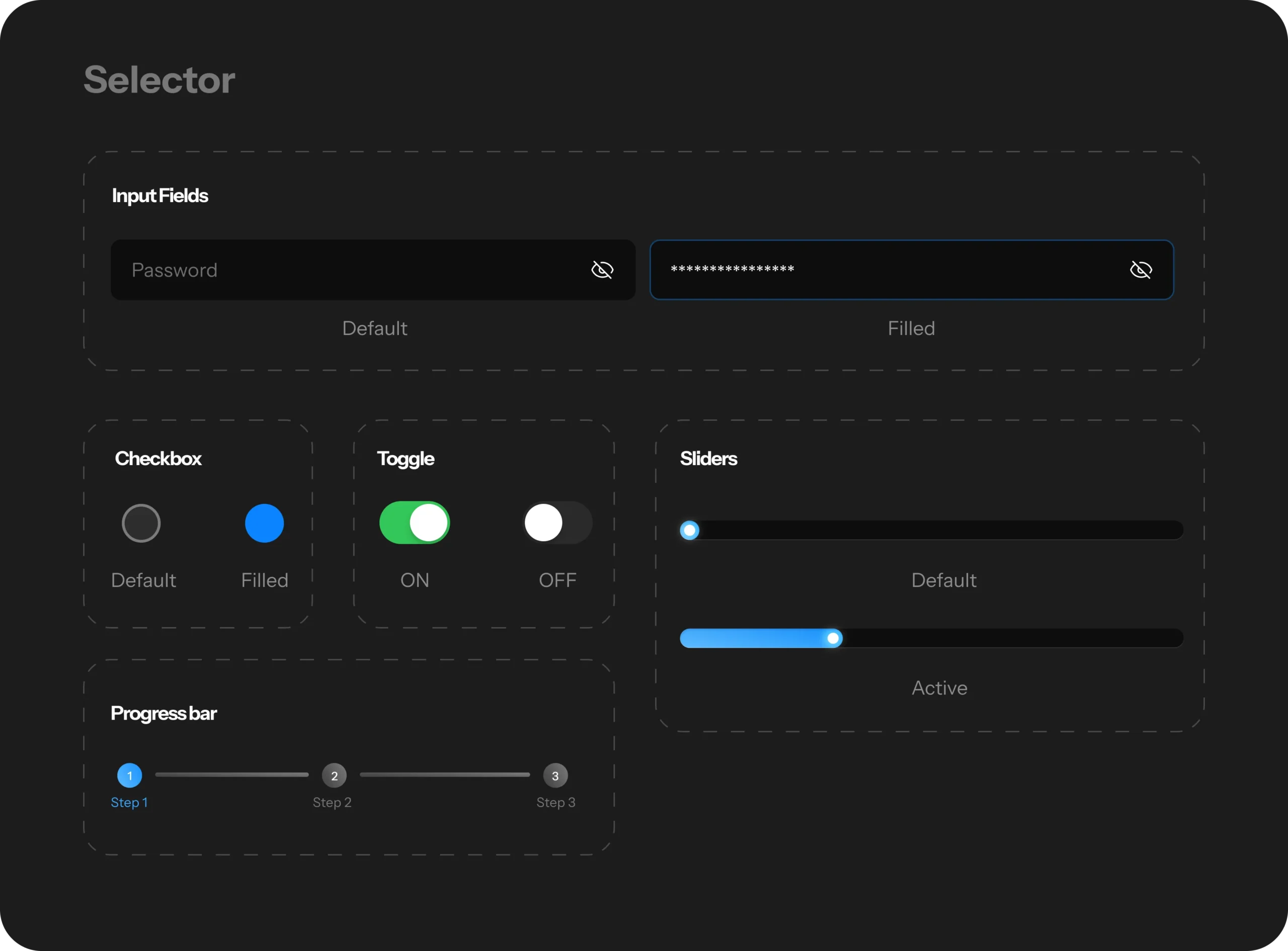
Design System
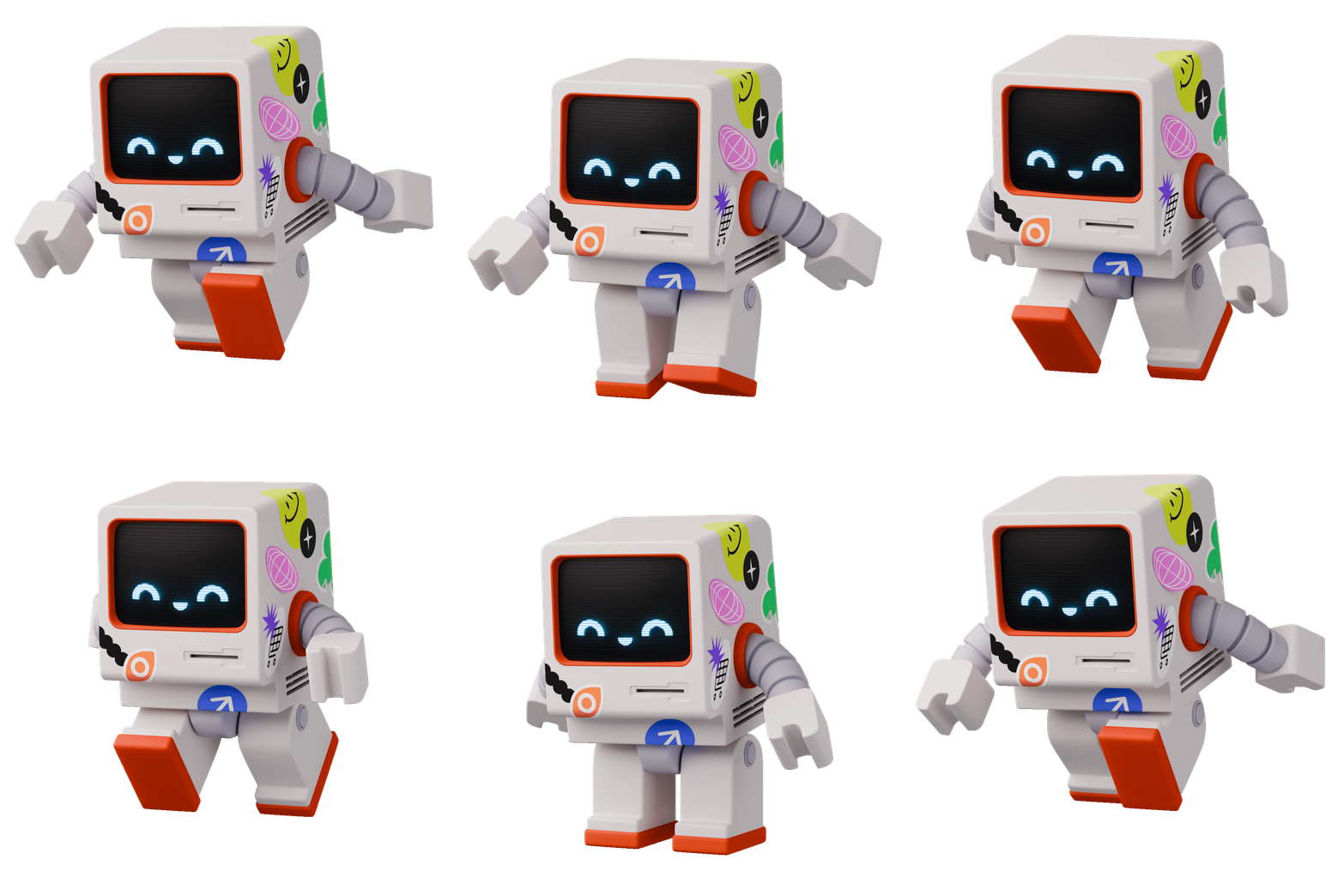
Zymo's Expressions
Simulate Experience
Other possible improvements
To further validate the effectiveness of the food-serving robot, I recommend conducting on-ground usability testing in different restaurant environments—casual dining, buffet, and high-footfall fast-food setups. This will help determine if the robot can navigate, serve, and interact effectively across varied service contexts. If direct testing is not feasible, the following metrics should be closely tracked:
Task Completion Rate: Are robots successfully completing delivery tasks without human intervention?
Table Turnover Time: Has the use of robots improved table service speed and overall efficiency?
Error Rate: How often do robots fail to deliver correctly or require manual override?
Customer Sentiment: Are guests positively responding to being served by a robot, or is it impacting their experience?
Staff Allocation Efficiency: Are human resources now being used more effectively in other service areas?
For long-term adoption, I also suggest gathering feedback from restaurant staff and customers, and monitoring the maintenance-to-performance ratio of robots across time. This will help assess sustainability, ROI, and whether the robot is solving a real operational challenge—or simply acting as a novelty.
What I learned?
This project taught me the importance of challenging assumptions, especially when working on futuristic solutions like food-serving robots. I learned how critical it is to validate ideas early through research and usability testing, and to stay open to questioning the “why” behind a feature not just the “how.” This case study represents the first draft of the solution, shaped by initial research, design thinking, and prototyping. After presenting this version, several changes were made based on usability testing and stakeholder feedback. These iterations led to improved navigation flow, better task clarity for the robot’s interface, and enhanced alignment with real-world restaurant workflows. Design is never final only evolving. And this process reminded me that user insight is the real fuel for innovation.